

Sync PagerDuty On-Call Schedules to Slack Groups
Keep @sre-on-call current automatically as PagerDuty rotations change. Covers manual, API, and Pagerly automated sync methods.
Sync PagerDuty On-Call Schedules to Slack Groups
Your PagerDuty schedule knows who is on-call right now. Your Slack workspace does not. When an incident fires and an engineer types @sre-on-call, that mention reaches whoever was added to the Slack user group weeks ago, not necessarily the person currently on-call in PagerDuty. If those two systems are out of sync, alerts go to the wrong person and response time suffers.
Syncing PagerDuty on-call schedules to Slack user groups ensures that @sre-on-call (or any custom group) always reflects the current on-call engineer based on the live PagerDuty rotation. This guide covers why the sync matters, how to do it manually, the limitations of the manual approach, and how to automate it with a tool built specifically for this problem.
What Slack User Groups Are and Why They Matter for On-Call
Slack user groups are named collections of Slack members that can be mentioned as a group using @groupname. When you mention @sre-on-call in any Slack channel, every member of that user group receives a notification. User groups are different from Slack channels: a channel is a place where messages are posted, while a user group is a dynamic list of people who can be tagged.
For on-call teams, user groups serve two purposes. First, they give any team member a way to reach the on-call engineer instantly without needing to check a schedule or ask who is on-call. Second, they enable automated alert routing: monitoring tools and bots can mention @sre-on-call in an alert channel and be confident the right person is notified.
The problem is that Slack user groups are static by default. Someone creates @sre-on-call and adds five engineers. The group stays the same until someone manually edits it. As the PagerDuty rotation cycles, the user group falls out of sync with reality. The only way to keep it current is to update it every time the rotation changes, or to automate the sync.
Why Syncing PagerDuty Schedules to Slack Groups Is Critical
- Alert routing accuracy: Monitoring alerts that mention @sre-on-call reach the wrong person if the user group is stale, creating delays during incidents when speed matters most
- Incident channel clarity: When a dedicated incident channel is created during a major incident, @sre-on-call needs to reach the actual on-call engineer, not whoever was on-call last week
- Cross-team communication: Engineers outside the SRE team tag @sre-on-call to ask questions or report issues. An out-of-sync group means those engineers are contacting the wrong person
- Escalation chain integrity: Escalation bots that reference @sre-on-call for second-level escalation break when the group does not match the current PagerDuty primary responder
- Reduced confusion during handovers: At rotation handover, if the user group is not updated immediately, there is a window where the incoming engineer is on-call in PagerDuty but not reachable via the Slack group
Method 1: PagerDuty's Native Slack Integration
PagerDuty has a native Slack integration that can send alert notifications to Slack channels. When an incident is triggered in PagerDuty, a message is posted to a designated Slack channel. Engineers can acknowledge incidents from Slack using the PagerDuty bot.
However, PagerDuty's native Slack integration does not automatically update Slack user groups when the on-call rotation changes. The integration handles alert delivery, not schedule-to-usergroup synchronization. Keeping @sre-on-call current with the PagerDuty rotation requires a separate process.
Limitations of the native integration for user group sync:
- No automatic user group updates: the Slack integration does not write to Slack user groups
- Manual updates required: someone must update the @sre-on-call group every time the rotation changes
- No channel topic sync: the PagerDuty integration does not update Slack channel topics to show the current on-call engineer
- Alert delivery only: the integration posts PagerDuty alerts to Slack but does not manage schedule visibility in Slack
Method 2: Manual User Group Updates
The most straightforward approach is manual maintenance: every time the PagerDuty rotation changes, someone updates the Slack user group to reflect the new on-call engineer. In Slack, user groups are managed under People and User Groups in workspace settings. Adding or removing members from a user group takes about a minute.
In practice, manual updates fail for predictable reasons:
- Rotation changes happen at specific times (midnight Sunday, 9 AM Monday) that do not align with when anyone is actively thinking about Slack user groups
- The responsibility for updating the group is unclear: if it is not assigned to a specific person, it either does not happen or happens inconsistently
- Cover swaps and schedule overrides in PagerDuty are often missed: a manual update process tracks the regular rotation but not one-off changes
- Multi-team environments multiply the maintenance burden: a team with five rotation schedules needs five separate user groups updated on potentially different cadences
Method 3: Automated Sync with the PagerDuty API
PagerDuty exposes a REST API that allows you to query the current on-call user for a given schedule. Slack also exposes an API for updating user group membership. A script that combines these two APIs can automatically update a Slack user group when the PagerDuty rotation changes.
A basic implementation runs on a schedule (via a cron job or serverless function) and performs these steps:
- Query the PagerDuty API for the current on-call user on the relevant schedule using your schedule ID and PagerDuty API key
- Resolve the PagerDuty user to their corresponding Slack user ID using the Slack API
- Update the Slack user group membership using the Slack API to reflect only the current on-call user
This approach works, but it has real maintenance costs: the script requires infrastructure to run reliably, needs environment variables for API keys, must handle errors when the PagerDuty or Slack API is unavailable, and needs updates whenever PagerDuty schedule IDs or Slack user group IDs change. Teams with multiple schedules and multiple user groups need a more complex script that maps each PagerDuty schedule to the corresponding Slack user group.
Method 4: Automated Sync with Pagerly
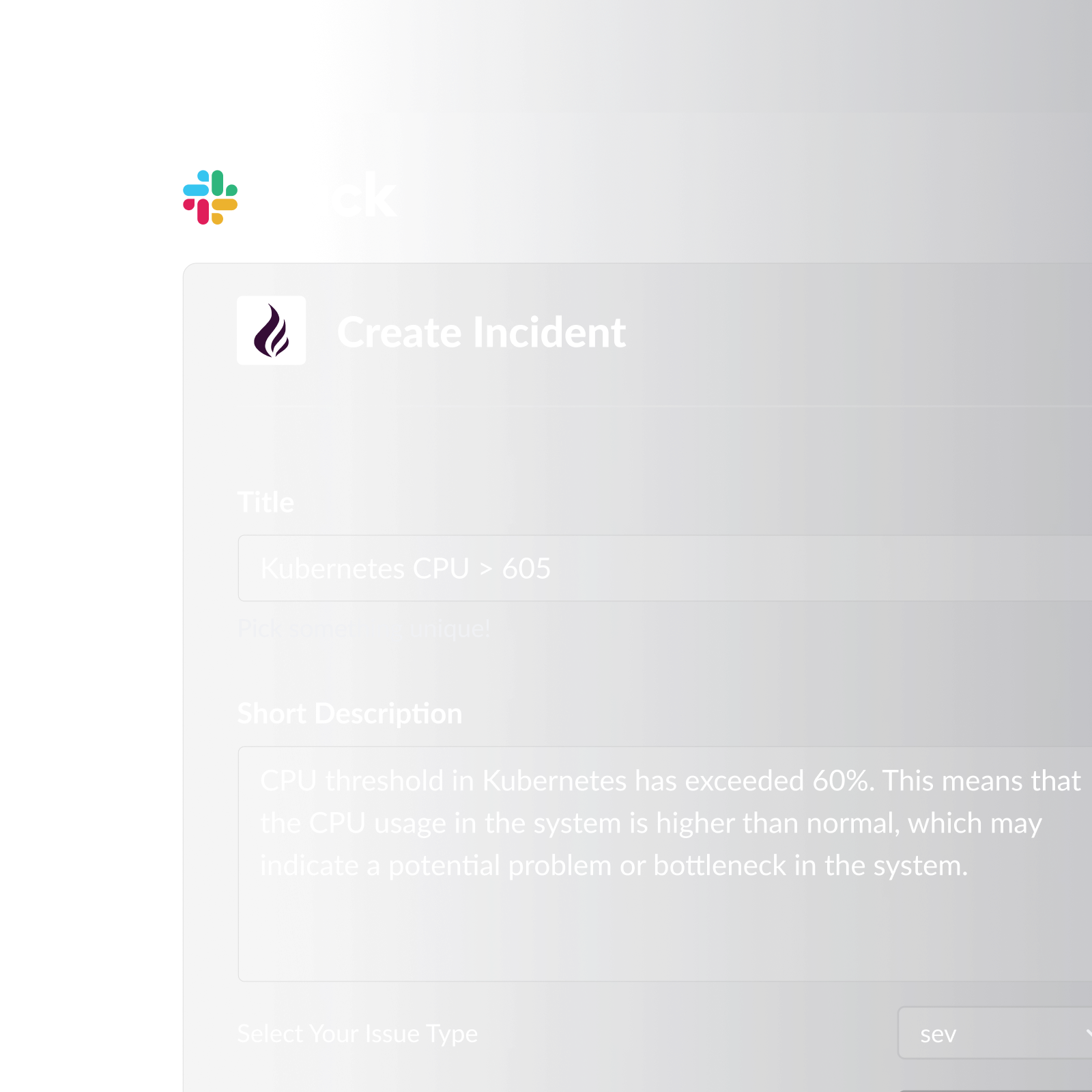
Pagerly automates the sync between your on-call rotation and Slack user groups without requiring any custom scripting or infrastructure. When the rotation changes (whether by the regular schedule, a cover swap, or a PagerDuty schedule override), Pagerly updates the designated Slack user group immediately. @sre-on-call always reflects the current on-call engineer.
What Pagerly's Slack usergroup sync includes:
- Automatic user group updates at every rotation change, including schedule overrides and cover swaps, not just the regular rotation cycle
- Slack channel topic auto-updates: designated channels show the current on-call engineer in the channel topic so any team member can see who is on-call at a glance
- Multi-schedule support: each rotation (SRE, backend, frontend, payments) maps to its own Slack user group, all synced automatically
- Two-way sync with PagerDuty: Pagerly reads the authoritative PagerDuty schedule and keeps Slack current, no manual step required
- Who's on-call lookup: any team member can use a Slack command to see who is currently on-call without checking PagerDuty or the user group
- Cover request system: engineers request and approve shift swaps in Slack, and user groups update immediately when a swap is approved
- Shift reminders at 6 hours, 12 hours, and 1 day before each shift, so the incoming on-call engineer is always prepared
- Handover notifications at every rotation change, giving incoming engineers context on active incidents
For teams already using PagerDuty for schedule management, Pagerly acts as the Slack-native layer that makes the PagerDuty schedule visible and actionable inside Slack without requiring engineers to open the PagerDuty web interface.
Comparing Sync Methods
| Method | User Group Auto-Updated | Covers Schedule Overrides | Channel Topic Sync | Maintenance Required |
|---|---|---|---|---|
| PagerDuty native Slack integration | No | No | No | Manual group updates |
| Manual updates | No (manual) | Often missed | No | High (every rotation change) |
| Custom API script | Yes (on cron schedule) | Partial (depends on implementation) | Requires additional code | Medium (script maintenance) |
| Pagerly | Yes (real-time) | Yes | Yes | None |
Best Practices for PagerDuty to Slack Group Sync
1. Sync immediately at rotation change, not on a polling interval. A cron-based sync that runs every hour means the user group can be wrong for up to an hour after a rotation handover. Real-time sync triggered by the rotation change event is always more accurate.
2. Cover schedule overrides, not just the base rotation. PagerDuty schedule overrides (when an engineer temporarily covers another's shift) should trigger a user group update the same way as a regular rotation change. Many implementations only track the base rotation and miss these one-off changes.
3. Map each rotation to a distinct user group. If your team has separate SRE and backend rotations, maintain separate user groups for each. A single @on-call group that covers multiple services creates ambiguity about which team is being notified.
4. Update the Slack channel topic alongside the user group. Engineers who arrive at an incident channel mid-incident should be able to see who is on-call from the channel topic without needing to tag the group. Channel topic sync and user group sync should happen together.
5. Test the sync after every major schedule change. After rebuilding a PagerDuty schedule or adding new team members, verify that the user group sync is still mapping correctly. A new PagerDuty user who has not been linked to their Slack account will break the sync for their shifts.
Ready to keep @sre-on-call current automatically? Pagerly syncs your PagerDuty schedule to Slack user groups in real time, with no scripts, no manual updates, and no maintenance. Get started free