

Workflow
Sync PagerDuty or Opsgenie Schedules with Slack User Groups
Keep @oncall pointed at the current responder. Pagerly syncs your PagerDuty or Opsgenie schedule to a Slack user group, posts handovers and updates the channel topic automatically.
Mention on-calls like @sre-oncall. Connect PagerDuty, Opsgenie or Jira and Pagerly updates the user group with the latest on-call automatically.
- 40%Reduction in response time
- 100%Of your team collaborating on tickets
- 30%Queries answered automatically
Sync Oncall Schedule to Slack Usergroup
Sync Seamlessly: Unite Schedules and Teams in Slack.
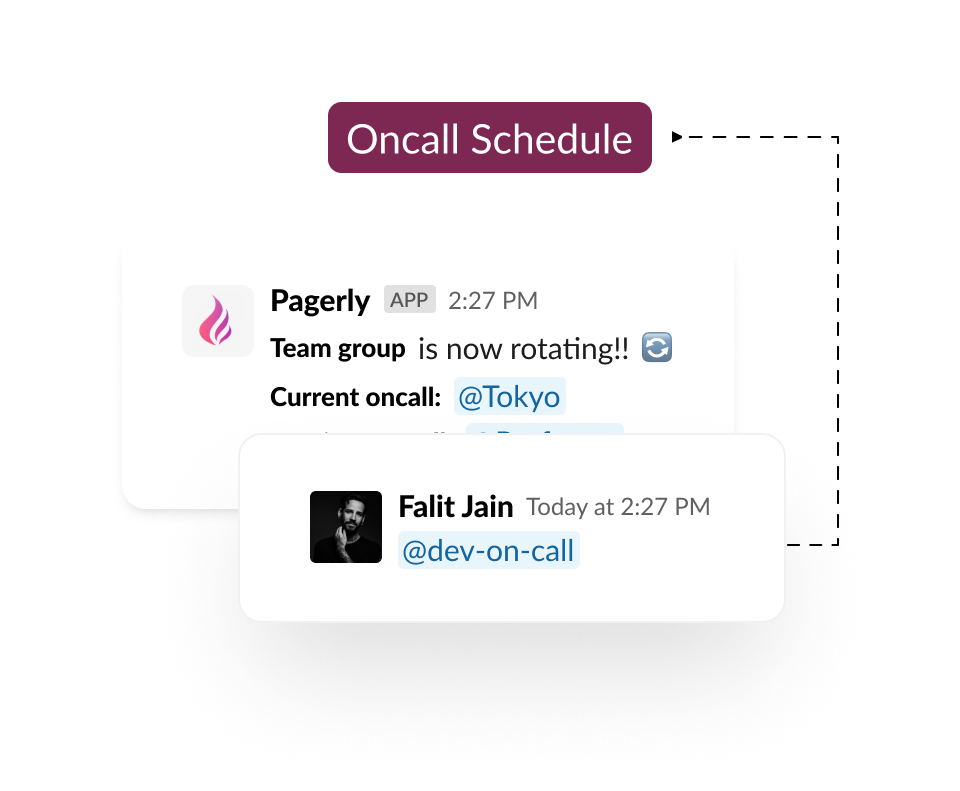
Sync Oncall Schedule with Slack Usergroup
Stop maintaining a calendar and a Slack group by hand. Pagerly updates the user group with the current on-call so the team can tag @sre-oncall. Works with PagerDuty and Opsgenie schedules, or your own custom rotation.

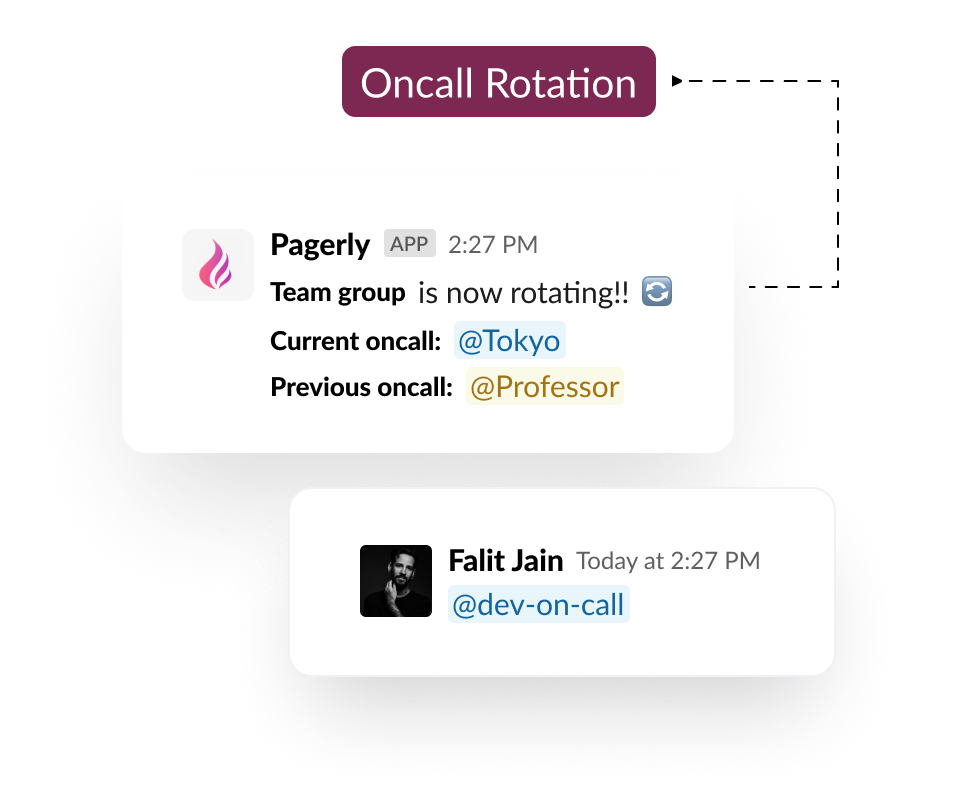
Get Notified on Oncall Change
Get notified immediately on oncall handover on the team's Slack channel.

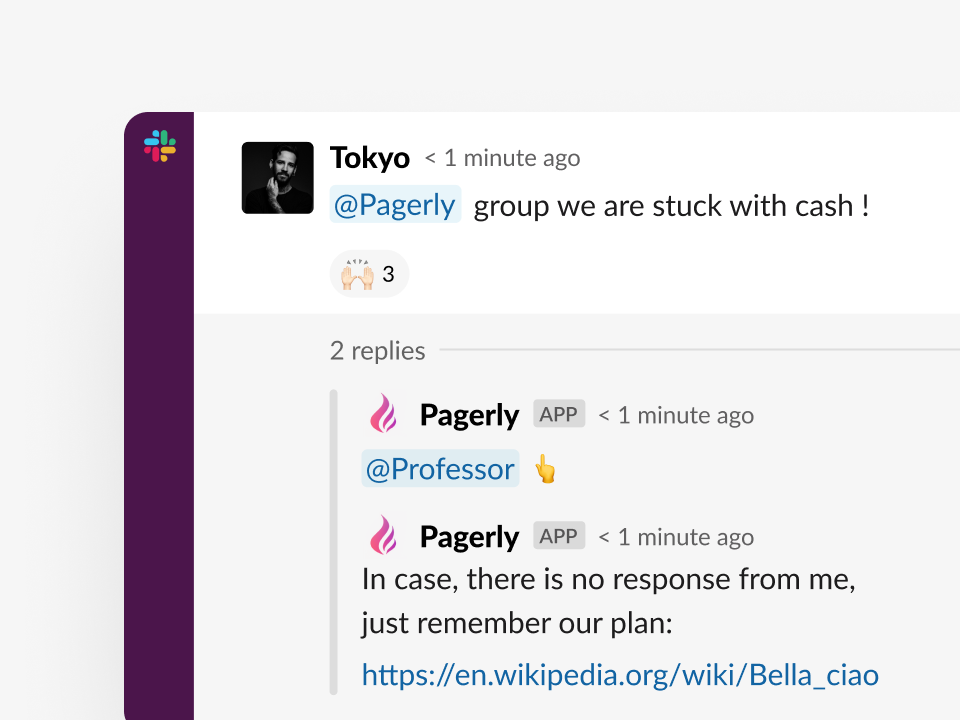
Mention current Oncall in Slack threads
Automatically fetch the current oncall for each team to tag onto any Slack conversation Use @Pagerly <teamName> on any channel/thread/discussion to mention the current oncall . Using this, you can automate responses too

Update Channel Topic With Oncall
Update the team's channel topic with the current oncall whenever oncall changes.

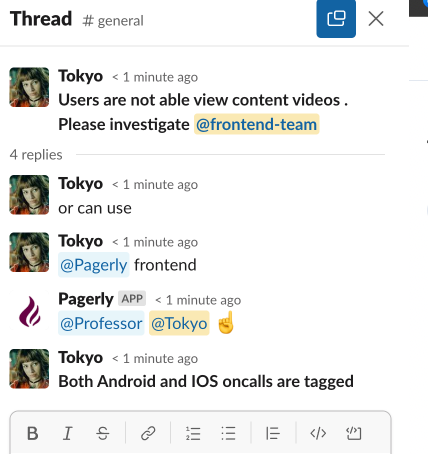
Group Multiple Oncalls
Mention multiple teams together at same time. For Example , You use @Pagerly frontend for mentioning all frontend teams oncalls.

Manage & Override Oncall Schedule
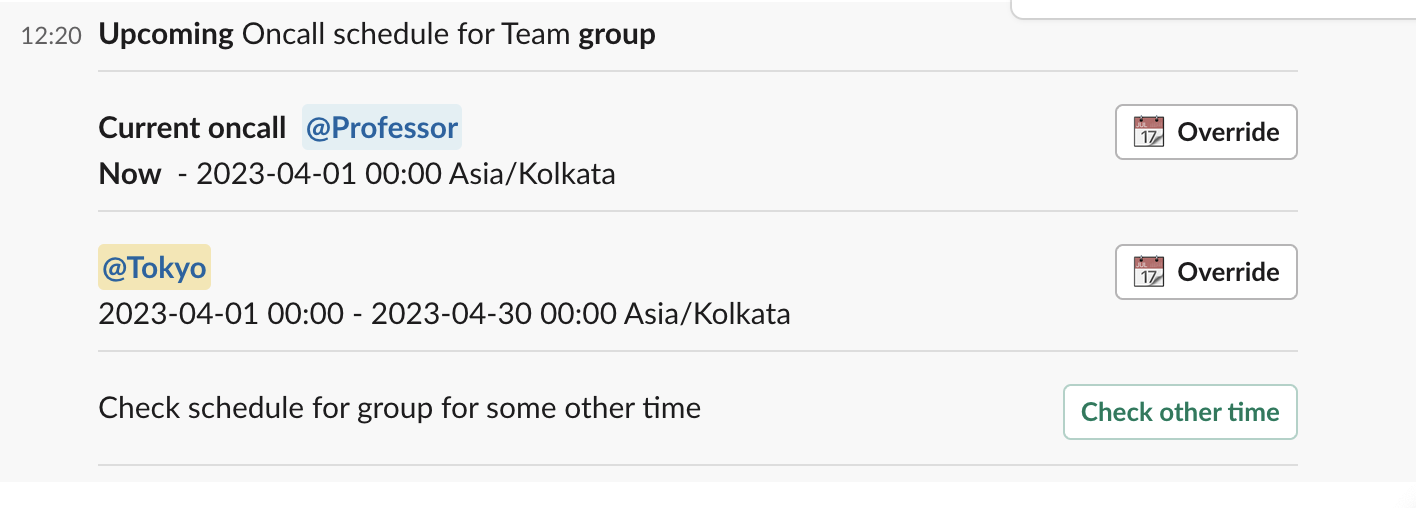
Know and manage your team's oncall schedule from Slack itself. Override oncall from Slack itself. Get the schedule Using /schedule <teamName> command anywhere and override the oncall with any Slack user of the choice

Mention on-calls like @sre-oncall. Connect PagerDuty, Opsgenie or Jira and Pagerly updates the user group with the latest on-call automatically.
How it works
Sync Oncall Schedule with Slack Usergroup
Stop maintaining a calendar and a Slack group by hand. Pagerly updates the user group with the current on-call so the team can tag @sre-oncall. Works with PagerDuty and Opsgenie schedules, or your own custom rotation.
Get Notified on Oncall Change
Get notified immediately on oncall handover on the team's Slack channel.
Mention current Oncall in Slack threads
Automatically fetch the current oncall for each team to tag onto any Slack conversationUse @Pagerly <teamName> on any channel/thread/discussion to mention the current oncall . Using this, you can automate responses too
Update Channel Topic With Oncall
Update the team's channel topic with the current oncall whenever oncall changes.

Group Multiple Oncalls
Mention multiple teams together at same time.For Example , You use @Pagerly frontendfor mentioning all frontend teams oncalls.
Manage & Override Oncall Schedule
Know and manage your team's oncall schedule from Slack itself. Override oncall from Slack itself.Get the schedule Using /schedule <teamName> command anywhere and override the oncall with any Slack user of the choice
Put your on-call where your team already is.
Install in two minutes. Import your existing schedule. Page someone tonight.