

Automated Incident Response: Tools and Best Practices
Guide covering MTTA/MTTR reduction, key automation components, best practices, and tools including Pagerly, PagerDuty, OpsGenie, and Datadog.
Automated Incident Response: Tools and Best Practices
When an incident fires at 2 AM, the gap between detection and the right engineer starting to work on it determines how bad the outage gets. Automated incident response closes that gap. Rather than relying on someone to notice an alert, manually identify who is on-call, and send a notification, automated systems move from detection to escalation in seconds.
Automation does not replace human judgment in incident response. It eliminates the manual steps that delay the point at which human judgment can be applied. The fastest incident response teams use automation to handle routing, notification, and escalation so that engineers spend their time diagnosing and resolving rather than coordinating who should be looking at what.
This guide covers what automated incident response involves, the key components, how to implement it effectively, and the tools that make it work in practice.
What Automated Incident Response Means
Automated incident response is the use of software to execute predefined actions when an incident is detected, without requiring manual intervention at each step. The scope of automation ranges from simple alert routing to sophisticated remediation pipelines that attempt to resolve known incident types without human involvement.
The core automation actions in most incident response workflows include:
- Alert aggregation and deduplication: Combining alerts from multiple monitoring sources into a single incident view, and suppressing duplicate notifications for the same underlying issue
- On-call routing: Automatically directing the alert to the engineer who is currently on-call based on the active rotation schedule, not a static recipient list
- Escalation: If the primary responder does not acknowledge within a defined window, automatically paging the secondary responder or team lead without requiring manual follow-up
- Incident channel creation: Automatically creating a dedicated Slack channel or incident bridge when a SEV1 or SEV2 incident is detected, with the relevant team members invited
- Runbook delivery: Automatically surfacing the relevant runbook link alongside the alert so the on-call engineer does not have to search for it while the incident is active
- Ticket creation: Automatically creating a Jira ticket or PagerDuty incident from the alert, with relevant context pre-populated
- Automated remediation: For known incident types with defined resolution steps, executing remediation actions (restarting a service, scaling a resource, clearing a queue) automatically before or alongside human notification
Why Automated Incident Response Reduces Mean Time to Resolution
Mean time to acknowledge (MTTA) and mean time to resolve (MTTR) are the key metrics for incident response performance. Automation primarily targets MTTA: the time between when an incident is detected and when a human begins actively working on it.
In a manual process, MTTA includes: the time for an alert to be noticed in a shared channel (minutes to hours), the time to identify who is on-call (minutes), the time to contact that person and confirm they are aware (minutes), and the time for them to acknowledge and begin triage. Each step has human latency baked in.
In an automated process, MTTA collapses to seconds: the monitoring system detects the issue, routes the alert directly to the current on-call engineer, and delivers it via Slack and mobile push notification simultaneously. The engineer is notified before they even have time to notice the alert in a shared channel.
For critical incidents, reducing MTTA from ten minutes to thirty seconds is the difference between a minor blip and a customer-impacting outage. For SEV1 incidents affecting revenue or user safety, every second of unnecessary delay has a real cost.
Key Components of an Automated Incident Response System
1. Monitoring and Detection
Automated response begins with automated detection. Monitoring tools continuously check system health metrics, error rates, latency, and availability. When a threshold is crossed, an alert is generated. The quality of your automated response is bounded by the quality of your monitoring: alerts that fire too broadly create noise that reduces the effectiveness of all downstream automation.
2. Alert Routing and On-Call Awareness
Once an alert is generated, it needs to reach the right person immediately. Alert routing automation reads the current on-call schedule, identifies the primary responder, and delivers the alert through the engineer's preferred channels: Slack, mobile push, SMS, or phone call. The routing logic must be dynamic, reflecting schedule changes, cover swaps, and overrides in real time.
3. Escalation Policies
Escalation automation activates when the primary responder does not acknowledge within a defined window. A well-configured escalation policy defines: how long to wait before escalating, who to escalate to at each tier, and whether the escalation chain has a defined end point (such as an engineering manager or incident commander who is always reachable). Without automated escalation, a missed alert from the primary responder has no automatic backup.
4. Incident Tracking and Ticket Creation
Every incident that reaches a human should generate a record in a tracking system. Automated ticket creation ensures that incidents are tracked in Jira or a similar tool regardless of whether the on-call engineer manually creates a ticket. This creates an audit trail, enables post-incident analysis, and prevents incidents from being resolved without documentation.
5. Communication and Status Updates
During an active incident, automated systems can publish status updates to a status page, notify subscriber lists, and post updates to designated Slack channels at regular intervals. This reduces the communication burden on the engineer managing the incident and ensures that stakeholders are informed without requiring the responder to pause resolution work to send updates.
6. Automated Remediation
The most advanced layer of automated incident response involves taking remediation actions without human involvement for well-understood incident types. Common examples include restarting crashed services, triggering autoscaling for capacity incidents, rolling back a recent deployment when error rates spike, or clearing a stuck queue. Automated remediation requires high confidence in the diagnosis and well-tested remediation playbooks, and is most appropriate for operational incidents rather than security incidents where unauthorized automated actions could cause additional harm.
Automated Incident Response Best Practices
1. Reduce alert noise before automating routing. Automated routing of noisy, low-signal alerts trains engineers to ignore pages. Before investing in routing automation, audit your alerts for false positives, duplicate notifications, and non-actionable conditions. Automation amplifies the quality of your alerting, for better or worse.
2. Route to a person, not a team. Automated routing that delivers alerts to a shared team Slack channel rather than a specific individual recreates the bystander effect that manual processes have. Effective automation routes to the specific engineer who is on-call, with their name attached to the alert.
3. Set escalation windows based on incident severity. A SEV1 incident affecting all users warrants a five-minute escalation window. A SEV3 degraded feature warrants fifteen minutes. Treating all alerts with the same urgency creates fatigue for secondary responders and desensitizes the team to escalation pages.
4. Include runbook links in every automated alert. The moment an alert reaches an engineer, they should have everything they need to begin triage. Automated alerts that include a direct link to the relevant runbook reduce the time-to-action by eliminating the search step during an active incident.
5. Test escalation paths regularly. Automated escalation only works if the escalation chain is correctly configured and each person in the chain is reachable. Run regular fire drills that simulate a primary responder not acknowledging, and verify that the secondary escalation fires correctly and reaches the right person.
6. Log all automated actions for post-incident review. Every automated step taken during an incident (who was paged, when, whether they acknowledged, when escalation fired, what tickets were created) should be logged and available for post-incident review. This data identifies gaps in the automation and informs improvements.
7. Use machine learning for alert correlation, not routing decisions. Machine learning is valuable for identifying patterns across large volumes of alerts, deduplicating related events, and predicting incident escalation based on historical patterns. Routing decisions (who is on-call) should be deterministic based on your schedule, not machine learning predictions, which can fail unpredictably.
Tools for Automated Incident Response
Pagerly: Slack-Native Automated Incident Response
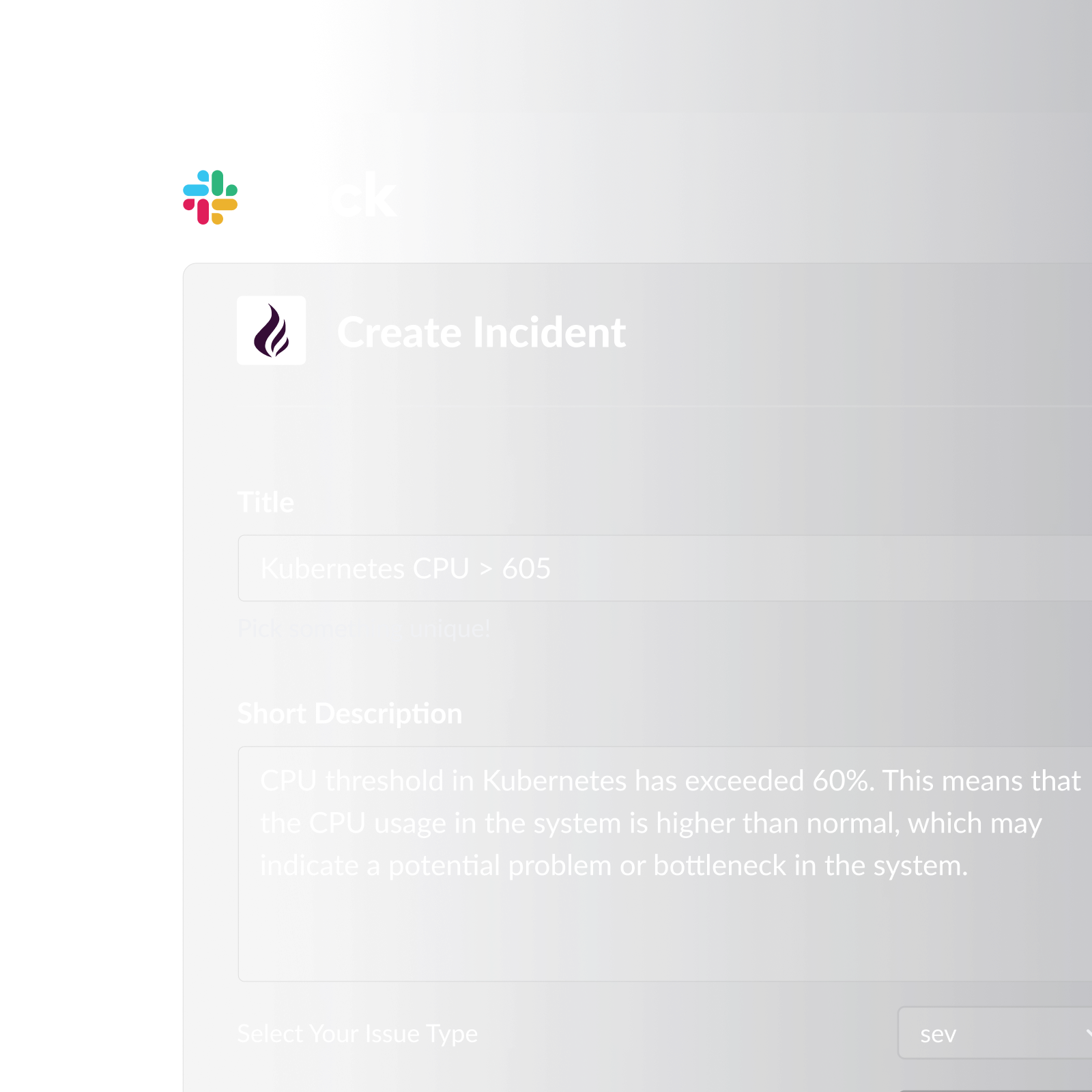
Pagerly automates the incident response workflow inside Slack. When an alert fires, Pagerly routes it to the current on-call engineer based on the active rotation schedule. If the engineer does not acknowledge within your configured window, escalation engages automatically. Engineers create Jira tickets or PagerDuty incidents directly from Slack with a single emoji reaction, and all subsequent ticket updates sync back to the Slack thread.
Key automation features:
- Automatic alert routing to the current on-call engineer, not a static recipient list
- Slack usergroup sync so @sre-on-call always reflects the current on-call engineer at every rotation change
- Channel topic auto-updates showing who is on-call in designated Slack channels
- Automatic escalation policies: if the primary does not acknowledge, the secondary is paged automatically
- Emoji-triggered Jira ticket or PagerDuty incident creation from any Slack alert message
- Two-way sync with PagerDuty, OpsGenie, Jira, Datadog, and Jira Service Management Operations
- AI-powered rotation creation: describe your scheduling requirements and Pagerly generates the rotation automatically
- Task-based round-robin for distributing non-incident operational work across team members
- Automated shift reminders at 6 hours, 12 hours, and 1 day before each shift
- Handover notifications at every rotation change with context on active incidents
- Cover request system for self-service shift swaps in Slack with automatic schedule updates
- Google Calendar integration so engineers see on-call shifts alongside their work schedule
- Per-team pricing that stays flat regardless of team size
PagerDuty
PagerDuty is the most established platform for automated on-call routing and escalation, with extensive integrations across monitoring, ticketing, and communication tools. It offers event intelligence, alert deduplication, and automated escalation chains.
Cons: Per-user pricing that becomes expensive for larger teams. Schedule and escalation management requires the PagerDuty web interface rather than Slack. No native Slack-based incident workflow. Steep configuration learning curve.
OpsGenie
OpsGenie (Atlassian) provides on-call scheduling, alert routing, and escalation policies with deep Jira integration. Alert routing can be configured based on alert content, schedule state, and team assignments.
Cons: Slack integration is notifications only, not a Slack-native workflow. Heavy Atlassian ecosystem dependency. Per-user pricing. No Slack usergroup sync.
Datadog Incident Management
Datadog's incident management product integrates directly with its monitoring platform, enabling automated incident creation when monitors fire and a structured response workflow within the Datadog console and connected Slack channel.
Cons: Requires the Datadog monitoring platform to get full value. Very expensive at enterprise scale. No on-call rotation management within Slack. Alert routing still requires PagerDuty or OpsGenie for on-call awareness.
Implementing Automated Incident Response: Step by Step
Step 1: Map your current incident response process. Document every step from alert detection to resolution, including who is responsible at each stage and what manual steps currently exist. This baseline tells you what to automate first.
Step 2: Audit and reduce alert noise. Before automating routing, eliminate false positives and duplicate alerts. Set alert thresholds at levels that require action, not just attention.
Step 3: Configure on-call schedules and escalation policies. Define your rotation schedule, escalation tiers, and acknowledgement windows before any automation runs. The automation is only as good as the policies it executes.
Step 4: Connect monitoring tools to your routing layer. Route alerts from Datadog, Prometheus, Grafana, or your monitoring tool of choice into your on-call routing system. Verify that each alert type reaches the correct team.
Step 5: Test every escalation path before going live. Simulate a primary responder not acknowledging and confirm that escalation fires to the correct secondary at the right time. Test during business hours before relying on the system overnight.
Step 6: Add runbook links to alert templates. Update your monitoring alert templates to include a direct link to the relevant runbook. This takes minutes to configure and reduces on-call engineer time-to-action for every future incident.
Step 7: Measure and iterate. Track MTTA and MTTR weekly. Post-incident reviews should include a section on whether the automation performed as expected. Use this data to refine escalation windows, alert thresholds, and routing policies over time.
Ready to automate your incident response workflow? Pagerly handles routing, escalation, and Jira ticket creation automatically inside Slack, so your engineers spend their time resolving incidents rather than coordinating who should be looking at them. Get started free