

Best PagerDuty Alternatives for Small Teams in 2026
Compare the best PagerDuty alternatives for small engineering teams in 2026. Find tools with Slack-native workflows, per-team pricing, and no steep learning curve.
Best PagerDuty Alternatives for Small Teams in 2026
PagerDuty was built for enterprise incident management. Its feature set is extensive, its integrations are deep, and its pricing reflects both of those things. For small teams, the result is paying for capabilities they will never use at a per-user cost that grows with every new engineer added to the rotation.
Small engineering teams need the core of what PagerDuty offers: on-call scheduling, alert routing, escalation policies, and Slack integration. They do not need enterprise AIOps, stakeholder license tiers, or a dedicated account manager. And they definitely do not need a bill that scales with headcount at a rate that makes on-call management one of the larger line items in the DevOps budget.
This guide covers the best PagerDuty alternatives for small teams in 2026, what each one does well, where each one falls short, and which tool makes the most sense depending on your team's specific situation.
Why PagerDuty Is Difficult for Small Teams
- Per-user pricing compounds quickly: PagerDuty's per-user-per-month pricing means a team of eight engineers on the Business plan pays several hundred dollars per month before adding any integrations or add-ons. For a small team, this is a significant operational cost relative to what they are getting
- Steep learning curve: PagerDuty's configuration interface covers services, escalation policies, schedules, integrations, event rules, and workflows. Getting a small team up and running correctly takes longer than expected, and ongoing maintenance requires someone who understands the full configuration surface
- Enterprise features that small teams never use: Stakeholder licenses, AIOps event correlation, and advanced analytics are valuable at scale. Small teams pay for them indirectly through pricing tiers even when they use none of these capabilities
- Weak native Slack experience: PagerDuty's Slack integration delivers alerts and allows acknowledgement via Slack, but on-call schedule management, escalation configuration, and rotation changes all require the PagerDuty web interface. Small teams that operate primarily in Slack find this context-switching adds friction to every operational task
- No meaningful free plan: PagerDuty's free plan covers one user, which is not useful for any team. Evaluation requires a paid trial, making it expensive to test before committing
What Small Teams Actually Need in an On-Call Tool
- On-call rotation scheduling that covers the team without requiring a dedicated ops engineer to maintain
- Alert routing to whoever is currently on-call, not a static Slack channel or email address
- Escalation policies that automatically page a backup if the primary does not respond
- Slack integration that is actually native, not just notification forwarding
- A free plan or low-cost entry tier that allows real team evaluation
- Simple setup that a small team can configure in an afternoon without reading a manual
- Pricing that does not scale linearly with headcount
Best PagerDuty Alternatives for Small Teams
1. Pagerly: Best Overall for Small Slack-Native Teams
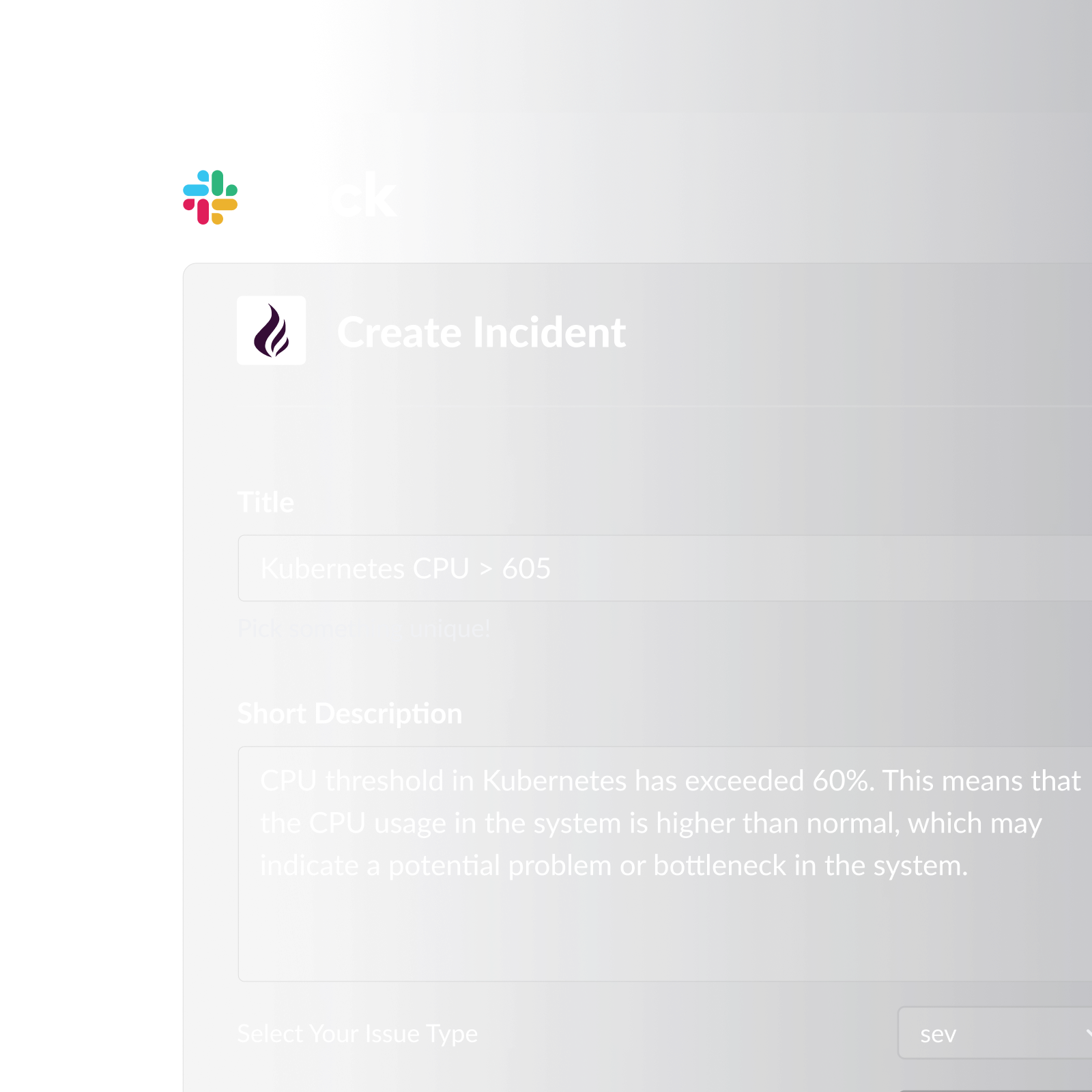
Pagerly is the only on-call management tool built natively for Slack. For small teams that live in Slack, it eliminates the context-switching that makes PagerDuty frustrating. On-call rotations, alert routing, escalation, and incident tracking all happen inside Slack without opening a separate dashboard.
Pagerly's per-team pricing is the most significant advantage over PagerDuty for small teams: the cost stays flat regardless of how many engineers are in the rotation, making it dramatically cheaper than per-user tools as the team grows.
Key features:
- On-call rotation management entirely within Slack: create, edit, and view schedules without a web dashboard
- AI-powered rotation creation: describe your scheduling requirements in plain language and Pagerly generates the rotation automatically
- Slack usergroup sync: @sre-on-call always reflects the current on-call engineer, updated automatically at every rotation change
- Channel topic auto-updates showing who is on-call in designated Slack channels
- Automatic escalation if the primary does not acknowledge within your defined window
- Emoji-triggered Jira ticket or PagerDuty incident creation from Slack alert messages
- Task-based round-robin for PR reviews, support ticket triage, and other operational work distribution
- Self-service cover request system for shift swaps in Slack
- Automated shift reminders at 6 hours, 12 hours, and 1 day before each shift
- Handover notifications at every rotation change
- Google Calendar integration for on-call shift visibility
- Two-way sync with PagerDuty, OpsGenie, Jira, Datadog, and Jira Service Management Operations
- Per-team pricing (not per-user): adding engineers does not increase cost
- Free trial available
Best for: Small engineering and DevOps teams (two to twenty engineers) that operate primarily in Slack and want complete on-call management without PagerDuty's per-user cost or web-based workflow.
2. OpsGenie (Atlassian)
OpsGenie is Atlassian's on-call and alert management platform. It has a functional free plan for up to five users, making it genuinely usable for very small teams evaluating dedicated on-call tools without cost commitment.
Key features:
- Free plan for up to five users with basic on-call scheduling and alert routing
- On-call scheduling with escalation policies
- Deep Jira and Atlassian integration
- Slack and email alert notifications
- Mobile app for on-call acknowledgement
Cons:
- Per-user pricing on paid plans: the free tier covers five users, but any team beyond that pays per seat, recreating PagerDuty's cost scaling problem
- Slack integration is notifications only: all schedule management requires the OpsGenie web interface, not Slack
- No Slack usergroup sync: @sre-on-call must be manually maintained outside OpsGenie
- Heavy Atlassian dependency: teams not using Jira miss much of OpsGenie's value proposition
- No task-based round-robin for non-incident operational work distribution
- No AI-powered rotation creation: all scheduling is manual through the web interface
- No cover request self-service in Slack: shift swaps require web interface edits
3. Grafana OnCall
Grafana OnCall is an open-source on-call scheduling tool available as a cloud-hosted service or self-hosted within Grafana's observability stack. Its free cloud tier makes it accessible for small teams, particularly those already using Grafana for monitoring.
Key features:
- Free cloud tier with basic on-call scheduling
- Open-source with self-hosting option for teams that want full control
- Deep Grafana alerting integration
- Slack and Microsoft Teams notifications
- Escalation chains configurable per team
Cons:
- Slack integration is notification-based only: schedule management requires the Grafana web interface
- No Slack usergroup sync: on-call groups must be manually maintained
- Self-hosting requires infrastructure maintenance that small teams often cannot justify
- Best value requires using Grafana's full observability stack: teams using other monitoring tools get limited integration depth
- No task-based round-robin for non-incident work distribution
- No AI-powered rotation creation
- Cloud free tier has feature limitations that require a paid upgrade for production use
4. Better Stack
Better Stack combines uptime monitoring, status pages, and basic on-call scheduling in one platform. For small teams that want monitoring and on-call in a single tool, it reduces the number of integrations to manage.
Key features:
- Uptime monitoring, SSL monitoring, and status pages included alongside on-call scheduling
- Slack and email alert notifications
- Clean modern interface requiring minimal configuration
- Free plan available for monitoring features
- Multi-location uptime checks to reduce false positives
Cons:
- On-call scheduling is secondary to monitoring: rotation capabilities are less mature than dedicated on-call tools
- No Slack usergroup sync: on-call Slack groups are not kept current automatically
- No escalation policies on lower plans: automatic backup paging is a paid feature
- No task-based round-robin for non-incident work distribution
- Per-user pricing on plans that include on-call scheduling
- No cover request self-service system
- No AI-powered rotation creation
5. Spike.sh
Spike.sh is a lightweight on-call and incident management tool designed specifically for small teams, with simple pricing and a fast setup process.
Key features:
- On-call scheduling with escalation policies
- Slack, email, and SMS alert delivery
- Status pages included
- Simple setup designed for small teams
- Affordable flat pricing relative to PagerDuty
Cons:
- Smaller ecosystem than PagerDuty or OpsGenie: fewer monitoring tool integrations available out of the box
- No Slack usergroup sync: on-call groups require manual maintenance
- No native Slack workflow: all schedule management goes through the Spike.sh web interface
- No task-based round-robin for distributing non-incident operational work
- Less name recognition means less community documentation and fewer third-party resources for troubleshooting
- No Google Calendar integration for schedule visibility
- Feature set may not scale well as teams grow beyond ten to fifteen engineers
6. Zenduty
Zenduty is an incident management and on-call scheduling platform that positions itself as a cost-effective PagerDuty alternative with a broad integration library and a free tier for small teams.
Key features:
- Free plan for up to five users
- On-call scheduling with escalation policies and multiple rotation types
- Broad monitoring tool integration library
- Slack and Microsoft Teams notifications
- Runbook automation for known incident types
Cons:
- Slack integration is notifications only: on-call schedule management and rotation editing require the Zenduty web interface
- No Slack usergroup sync: @sre-on-call must be maintained manually
- Per-user pricing on paid plans limits cost advantage over PagerDuty for larger small teams
- Less polished interface than PagerDuty or OpsGenie: the user experience reflects a younger product
- No task-based round-robin for non-incident operational work
- No AI-powered rotation creation
- Cover request and shift swap management is limited compared to tools built around self-service scheduling
PagerDuty Alternatives Compared for Small Teams
| Tool | Free Plan | Per-Team Pricing | Slack-Native | Usergroup Sync | Best For |
|---|---|---|---|---|---|
| Pagerly | Free trial | Yes | Yes (fully native) | Yes | Slack-native teams, any size |
| OpsGenie | Yes (5 users) | No | No | No | Atlassian shops |
| Grafana OnCall | Yes (limited) | Yes (cloud) | No | No | Grafana observability users |
| Better Stack | Yes (monitoring only) | No | No | No | Monitoring + basic on-call |
| Spike.sh | Limited | Partial | No | No | Very small teams, simple needs |
| Zenduty | Yes (5 users) | No | No | No | Teams needing broad integrations |
How to Choose the Right PagerDuty Alternative for Your Team
If your team lives in Slack: Pagerly is the only tool on this list where the entire on-call workflow (scheduling, alert routing, escalation, incident tracking) happens inside Slack. For teams that already coordinate everything in Slack, this eliminates the context-switching that makes PagerDuty frustrating in practice. The per-team pricing model means costs stay predictable as the team grows.
If your team is deep in the Atlassian ecosystem: OpsGenie's free five-user plan and Jira integration make it the natural choice for teams already using Jira Service Management. Accept that Slack integration is notifications only and that schedule management happens in the OpsGenie web interface.
If your team uses Grafana for observability: Grafana OnCall's native integration with Grafana alerting is a strong argument for teams that want their on-call tool to read directly from their monitoring stack. The self-hosted option is valuable if you have infrastructure capacity.
If you need monitoring and on-call in one tool: Better Stack bundles uptime monitoring, SSL monitoring, status pages, and basic on-call scheduling. For a small team that wants fewer tools to manage, the bundled approach reduces integration overhead even if the on-call scheduling depth is limited.
Ready to replace PagerDuty with something built for small teams? Pagerly manages your on-call rotation, routes alerts, and handles escalation entirely inside Slack, with per-team pricing that stays flat as you grow. Get started free