

Slack Round Robin Assignment: Guide and Best Tools
Guide to round robin assignment in Slack: use cases, setup methods including Pagerly, comparison table, and best practices for equitable task distribution.
Slack Round Robin Assignment: Guide and Best Tools
Round robin assignment distributes incoming work equitably across a group of team members by cycling through the list in order. Each new item goes to the next person in the rotation, ensuring no one person accumulates a disproportionate share of the workload. In Slack, where teams receive support tickets, alert notifications, PR review requests, and customer issues as incoming messages, round robin assignment gives those items clear ownership the moment they arrive.
Without assignment, messages in a Slack channel accumulate without anyone feeling specifically responsible for acting on them. Round robin changes that by making assignment automatic, explicit, and tracked.
This guide covers the use cases for round robin assignment in Slack, how to set it up, the tools that make it work at scale, and the best practices for maintaining equitable distribution over time.
Common Use Cases for Slack Round Robin Assignment
Support Ticket Triage
Customer support teams that receive incoming support requests via Slack need a way to assign each request to a specific agent without a manager manually reviewing every message. Round robin assignment ensures that the next incoming support message goes to the next available agent in the rotation, with no manual intervention required.
PR Review Assignment
Engineering teams often use a Slack channel as the destination for PR review requests. Without assignment, review requests pile up and whoever happens to check the channel most recently ends up doing most of the reviews. Round robin assignment distributes review requests evenly across engineers in the rotation.
Sales Lead Distribution
Sales teams receiving inbound leads via Slack integrations from CRMs or web forms need those leads assigned immediately. Round robin ensures each sales team member receives leads in equal proportion, with a clear record of who is responsible for each lead from the moment it arrives.
Incident Alert Ownership
In high-volume alert channels, round robin assignment can distribute incoming alerts across a group of engineers, ensuring each alert has an explicit owner without requiring a senior engineer to manually triage and assign every notification.
Customer Issue Investigation
Teams that receive escalated customer issues through internal Slack channels can use round robin to assign investigation ownership as soon as an issue is raised, reducing the delay between a customer issue being reported and an engineer beginning to investigate it.
How Round Robin Assignment Works in Slack
A round robin system maintains a rotation list of team members and a pointer to the next person in the list. When a new item arrives, the system assigns it to the next person in the rotation and advances the pointer. In Slack, the assignment is typically communicated in one of three ways:
- A direct message to the assigned team member with the item details and a link to the original message
- A thread reply on the original message mentioning the assigned person
- A reaction added to the message combined with a DM to the assignee
Robust round robin tools allow you to configure skip rules, working hours, and backup assignment paths for cases when the next person in the rotation is unavailable.
Method 1: Manual Round Robin with a Shared Tracker
The simplest approach is a shared Google Sheet or Slack channel pinned message that tracks whose turn it is next. This works for very small teams with low assignment volume. The limitations are significant:
- Requires someone to actively monitor the channel and manually make each assignment
- The tracker becomes stale when someone forgets to update it after making an assignment
- No enforcement: skipping someone in the rotation is easy and may not be noticed
- Breaks down entirely during off-hours when no one is actively watching the channel
- Creates no audit trail in a reliable system of record
Method 2: Slack Workflow Builder
Slack's Workflow Builder supports basic automation triggered by new channel messages. However, Workflow Builder does not have native round robin logic: it cannot cycle through a list of team members and advance the pointer with each assignment. Achieving round robin behavior requires external state management and a more complex multi-step workflow.
Method 3: Pagerly Task-Based Round Robin
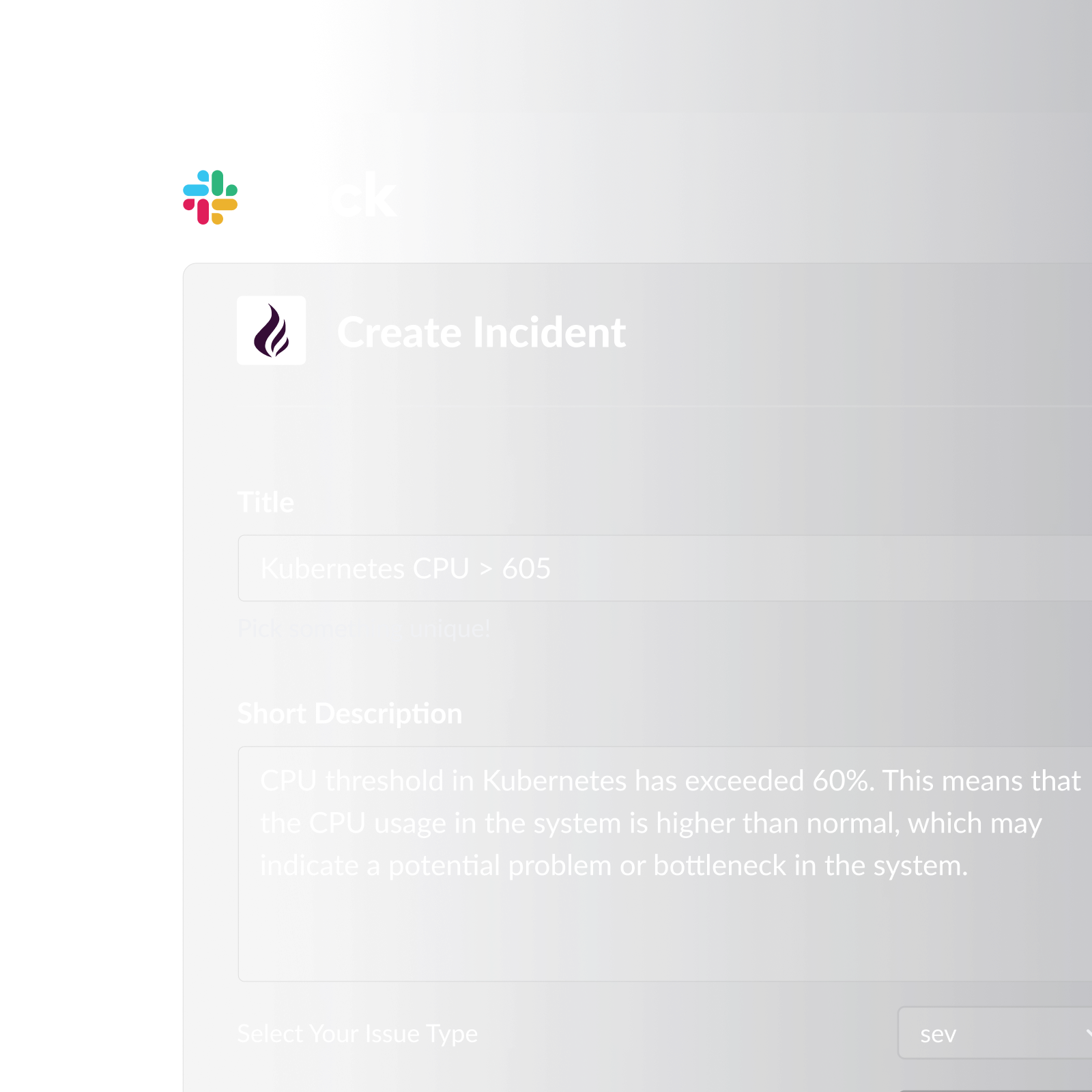
Pagerly's task-based round robin assignment handles the full cycle automatically within Slack. When an item arrives in a configured channel, Pagerly assigns it to the next person in the round robin rotation, sends them a direct notification, and posts a thread reply confirming the assignment.
How Pagerly's round robin works:
- Configure a round robin rotation for a specific Slack channel or message type
- Define the team members in the rotation and their order
- When a new item arrives, Pagerly automatically assigns it to the next person in the rotation
- The assigned team member receives a Slack notification with the item details and a direct link
- A thread reply confirms the assignment and tags the assignee, creating a visible audit trail
- If the assigned person does not acknowledge within your defined window, escalation engages automatically
- Automatic Jira ticket creation with the assigned engineer set as the assignee
- Round robin rotations run independently of your incident on-call rotation
- The rotation pointer advances correctly even when team members are added, removed, or skip a turn
Pagerly's round robin is part of the same platform that manages on-call scheduling, Slack usergroup sync, and incident escalation. Teams can manage both on-call routing and task assignment distribution from a single tool.
Comparing Round Robin Assignment Methods in Slack
| Method | Automatic Assignment | Audit Trail | Jira Integration | Escalation | Off-Hours Coverage |
|---|---|---|---|---|---|
| Manual tracker | No | No | No | No | No |
| Slack Workflow Builder | Partial | Limited | No | No | Partial |
| Pagerly round robin | Yes (fully automatic) | Yes (thread + Jira) | Yes | Yes | Yes |
Best Practices for Round Robin Assignment in Slack
1. Separate round robin rotations from on-call rotations. Task-based round robin assignments should have their own rotation lists that cycle independently of your incident on-call schedule.
2. Define working hours for each rotation member. Configure working hours so assignments route to the next available person in the rotation rather than the next person by list order, regardless of whether they are currently working.
3. Set an acknowledgement window with escalation. If the assigned person does not respond within a defined window, the assignment should automatically move to the next person or escalate to a team lead.
4. Create a Jira ticket for every assignment. Every round robin assignment should generate a Jira ticket that tracks the item from assignment through resolution.
5. Track distribution metrics, not just queue volume. Track how many items each team member receives per week and compare it against how many they resolve.
6. Review and rebalance rotations quarterly. A quarterly review of the round robin rotation ensures the list reflects the actual team and the distribution remains equitable.
Round Robin vs. On-Call: Key Differences
| Dimension | Round Robin Assignment | On-Call Rotation |
|---|---|---|
| Trigger | New item arrives in a channel | Time-based shift window |
| Assignment unit | Individual item (ticket, message, PR) | Entire shift window |
| Typical use cases | Support triage, PR reviews, sales leads | Incident response, system monitoring |
| Response urgency | Minutes to hours depending on priority | Seconds to minutes for SEV1 |
| Escalation model | Next in rotation or team lead | Secondary on-call, then team lead |
Both systems can run simultaneously on the same team using Pagerly. The on-call rotation determines who responds to production incidents. The task-based round robin determines who handles the next support ticket or PR review request.
Ready to automate round robin assignment in your Slack channels? Pagerly handles task-based round robin alongside your on-call rotation, with automatic Jira ticket creation and escalation if assignments go unacknowledged. Get started free