

Workflow
Shortcut Slack 2 Way Sync
Accelerate your workflow by syncing Slack shortcuts for 2-way communication. Stay connected and streamline your team's operations with Pagerly's powerful integrations.
Enhance your process with our workflows that integrate Shortcut and Slack or Build your own custom solution for your team, Sync Shortcut with Slack
- 40%Reduction in response time
- 100%Of your team collaborating on tickets
- 30%Queries answered automatically
Sync Shortcut with Slack
Comment, Assign, Transition Tickets on Slack
Halt the constant app-switching and keep your team from wasting 1000s of hours.

Transition/Update Tickets using Emojis
Set your emoji to update tickets wihtin Slack Want to update priority , status , label or custom field , choose your emoji and update tickets all within Slack

Create Issues Easily
Choose Any Issue Type, Team and Create Ticket easily from Slack Messages, Bot.

Get Tickets Passing SLA / Fixed Time
Get All tickets passing due date or are in not done state for long amount of time

Slack Channel Creation Chose your Logic
Chose your "I want to create channel when ticket is moved to XYZ State", "I want to create channel when a ticket is created on ABC Board" Whatever your logic be Pagerly would create Channel for you.

Add Responders Automatically
Add All Users, Responders, Team automatically to the Channel.

2 Way Sync Shortcut and Slack
Customize the Slack Channel with All information. Create tickets, update tool with the customized button on Slack. With Shortcut, you can create subtask, change status etc. all within Slack.

Manage Incidents & Help Desk with ISTM
Easily manage all requests and incidents without any window switching and benefitting from all Slack Collaboration Features.
How it works
Comment, Assign, Transition Tickets on Slack
Halt the constant app-switching and keep your team from wasting 1000s of hours.
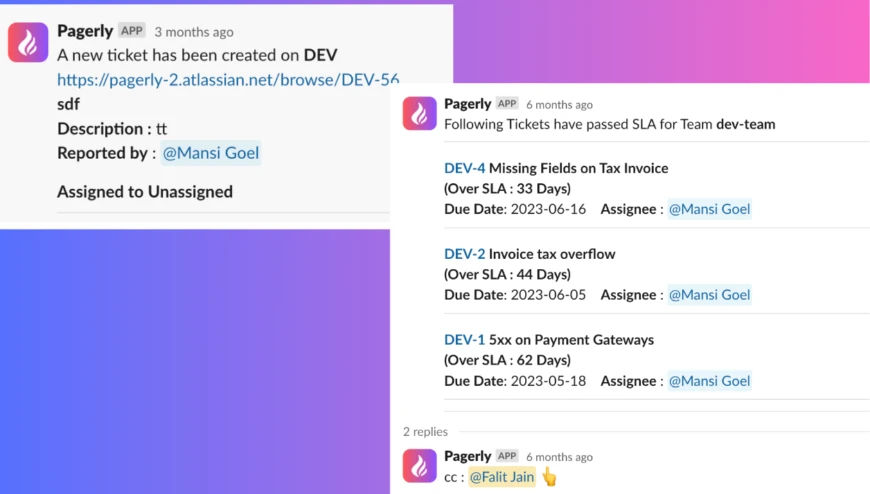
Transition/Update Tickets using Emojis
Set your emoji to update tickets wihtin SlackWant to update priority , status , label or custom field , choose your emoji and update tickets all within Slack
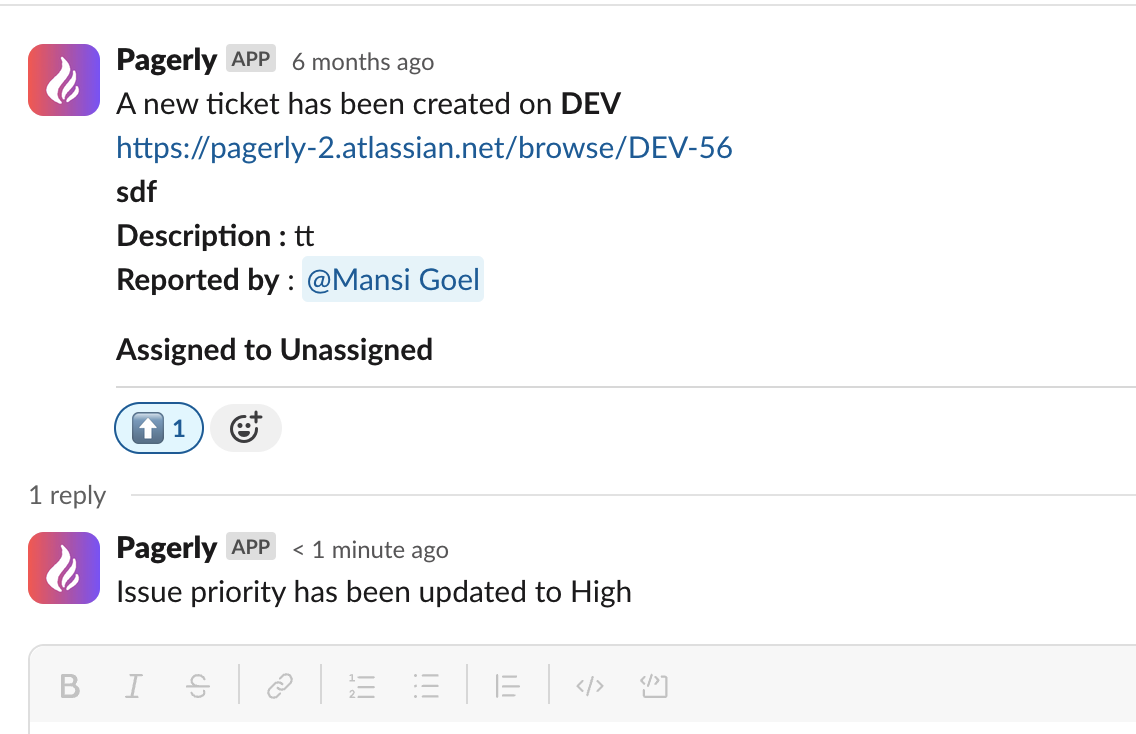
Create Issues Easily
Choose Any Issue Type, Team and Create Ticket easily from Slack Messages, Bot.
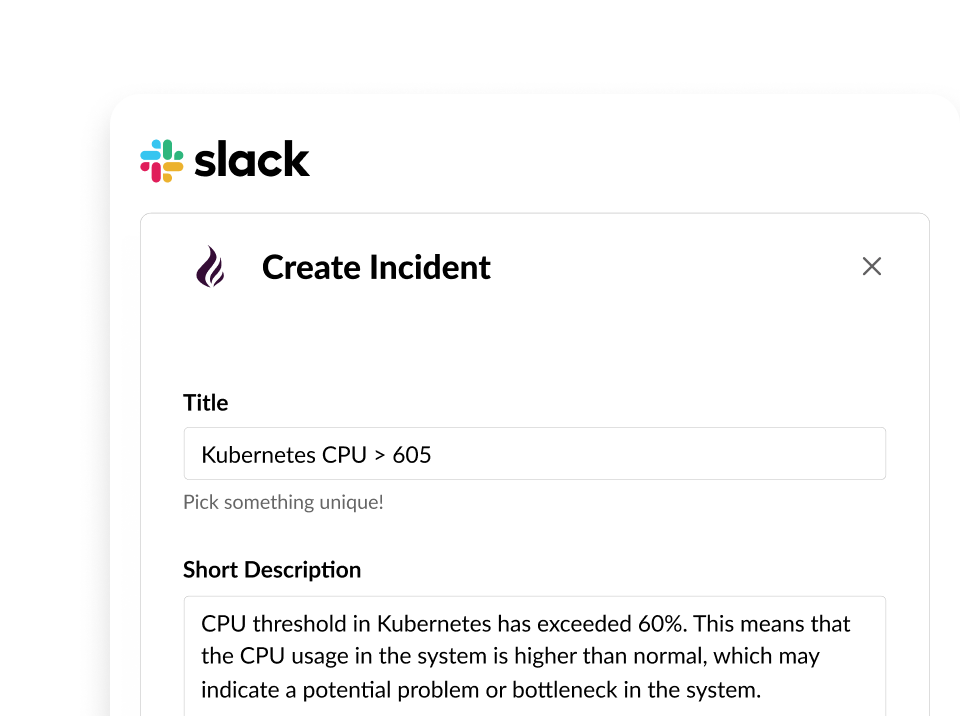
Get Tickets Passing SLA / Fixed Time
Get All tickets passing due date or are in not done state for long amount of time
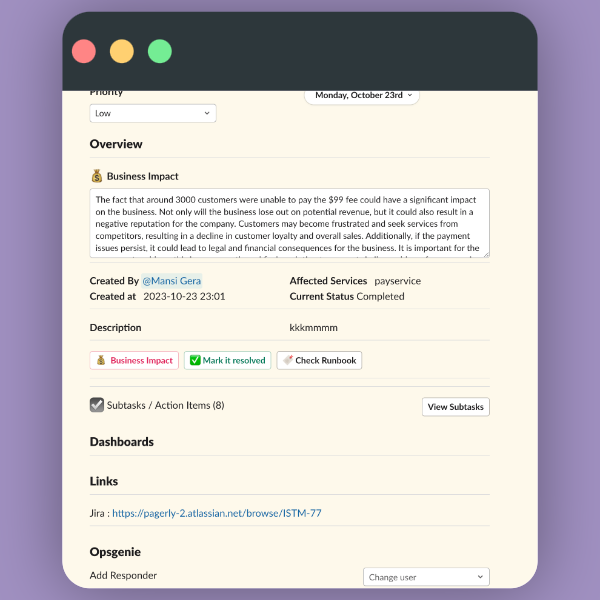
Slack Channel Creation Chose your Logic
Chose your "I want to create channel when ticket is moved to XYZ State", "I want to create channel when a ticket is created on ABC Board" Whatever your logic be Pagerly would create Channel for you.
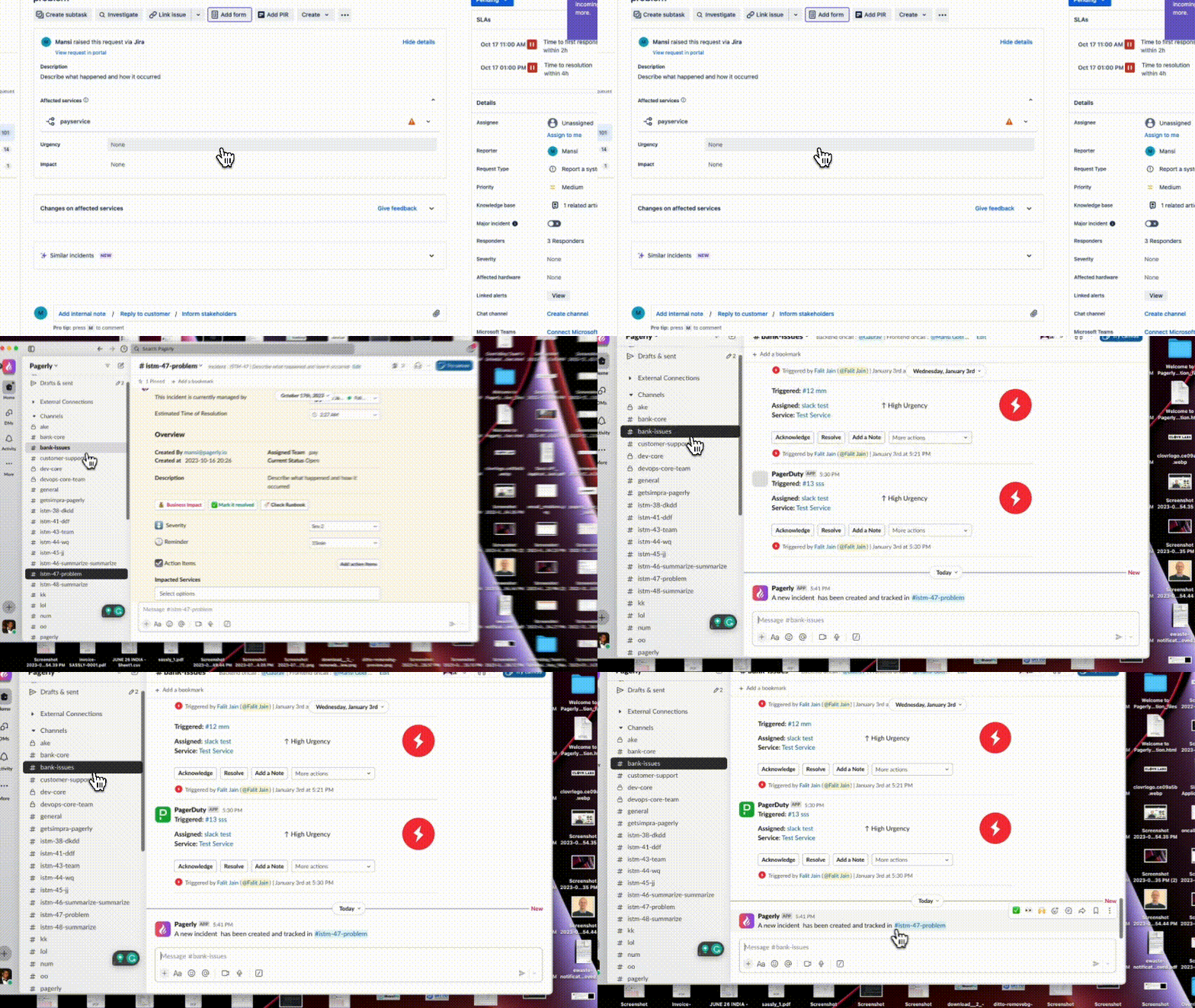
Add Responders Automatically
Add All Users, Responders, Team automatically to the Channel.
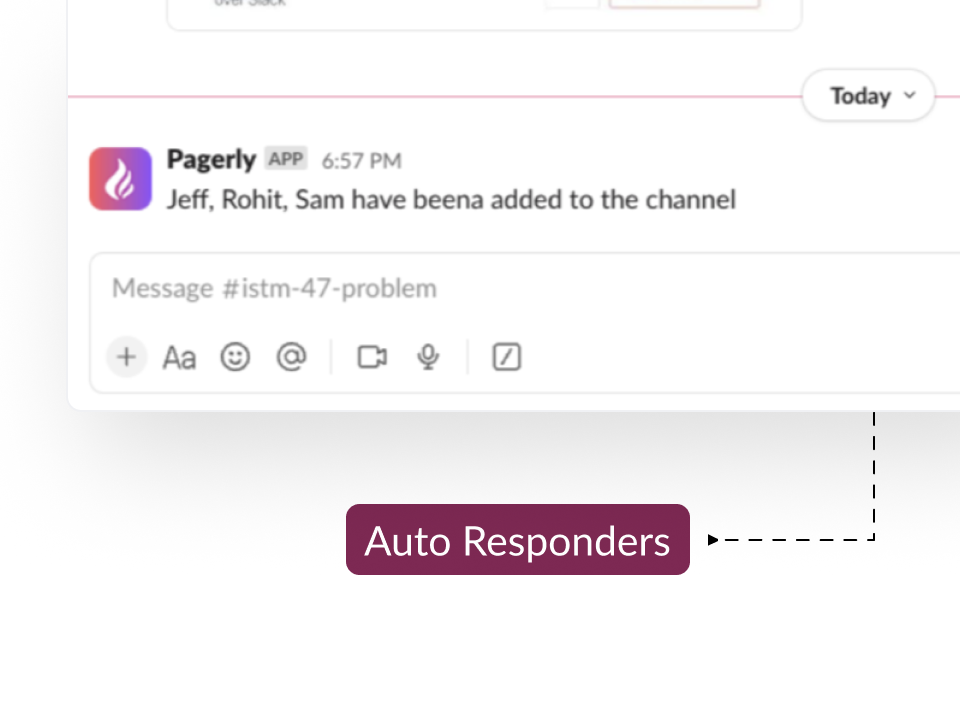
2 Way Sync Shortcut and Slack
Customize the Slack Channel with All information. Create tickets, update tool with the customized button on Slack. With Shortcut, you can create subtask, change status etc. all within Slack.
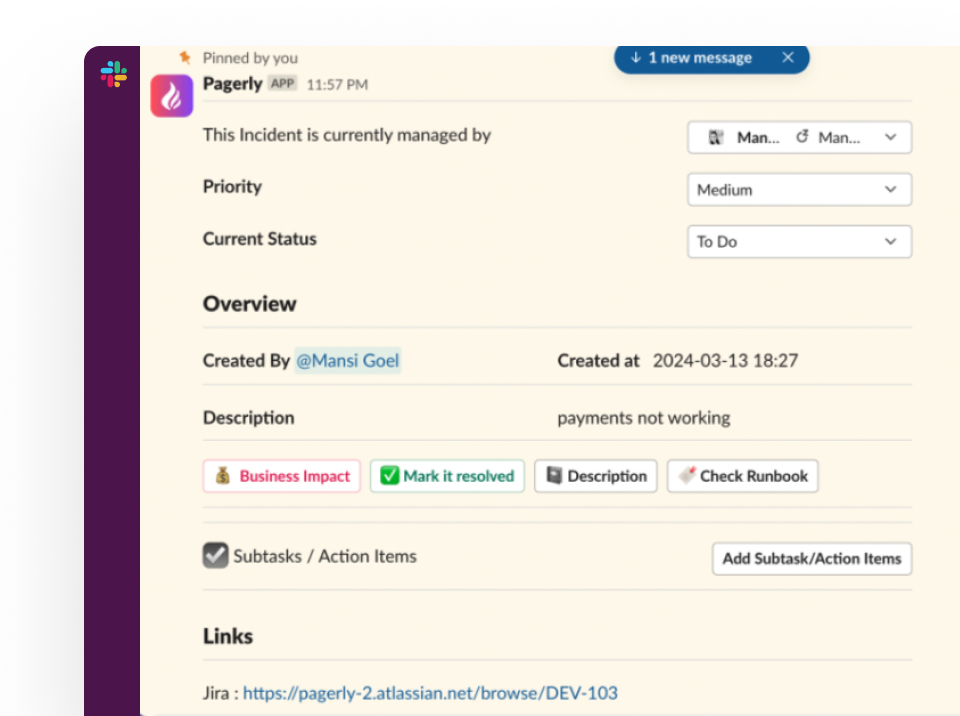
Manage Incidents & Help Desk with ISTM
Easily manage all requests and incidents without any window switching and benefitting from all Slack Collaboration Features.
Put your on-call where your team already is.
Install in two minutes. Import your existing schedule. Page someone tonight.