

Best PagerDuty Alternatives for Slack Integration
Best PagerDuty alternatives for teams that operate in Slack in 2026. Covers Pagerly, Incident.io, OpsGenie, Grafana OnCall, Better Stack, Rootly, and Splunk On-Call.
Best PagerDuty Alternatives for Slack Integration
PagerDuty has been the dominant incident management and on-call scheduling platform for over a decade. Its feature depth is real. So is its per-user pricing, its steep learning curve, and the reality that most engineering teams live in Slack, not in PagerDuty's web dashboard. When your on-call rotation, escalation policies, and incident response workflows all require leaving Slack, the friction adds up. Alerts get missed. Responses are slower. Engineers context-switch during the moments when focus matters most.
The question most teams ask when evaluating PagerDuty alternatives is not just "what is cheaper?" It is "what actually works inside Slack?" The best PagerDuty alternatives for teams that operate in Slack are the ones that route alerts to Slack channels, manage on-call schedules from Slack, and handle escalation without requiring engineers to open a separate application.
This guide covers what to look for in a PagerDuty alternative for Slack integration, the best options for 2026, and an honest comparison of what each tool does well and where it falls short.
Why Teams Look for PagerDuty Alternatives
- Per-user pricing that scales poorly: PagerDuty charges per user per month. For a team of 20 engineers, full-featured plans cost several thousand dollars per month
- Weak native Slack integration: PagerDuty's Slack integration functions as a notification relay, not a native Slack experience. Schedule management requires the PagerDuty web interface
- Steep learning curve: Getting PagerDuty set up correctly takes longer than expected, and ongoing maintenance requires a dedicated operations engineer
- Overkill for small teams: Teams under 20 engineers often pay for PagerDuty's enterprise feature set while using only a fraction of its capabilities
- No free tier for meaningful use: Any team use requires a paid plan, making evaluation expensive to trial
- Alert routing complexity: Keeping PagerDuty's routing configuration current requires significant ongoing effort for dynamic team structures
What to Look for in a PagerDuty Alternative for Slack Teams
- On-call scheduling managed in Slack: View the current on-call engineer, manage rotations, and handle shift swaps without leaving Slack
- Slack usergroup sync: Automatic updates to Slack usergroups so tagging @sre-on-call always reaches the right person
- Alert routing to Slack channels: Incoming alerts routed directly to designated channels with context, not just notification pings
- Escalation policies that work in Slack: If the primary does not acknowledge, automatic escalation to the secondary with the chain visible in Slack
- Incident management without leaving Slack: Creating incidents, updating status, and managing response from within Slack
- Jira and issue tracker integration: Create and update Jira tickets directly from Slack alert messages
- Per-team pricing: Pricing that does not scale with the number of engineers in the rotation
Best PagerDuty Alternatives for Slack Integration in 2026
1. Pagerly: Best PagerDuty Alternative for Slack-Native Teams
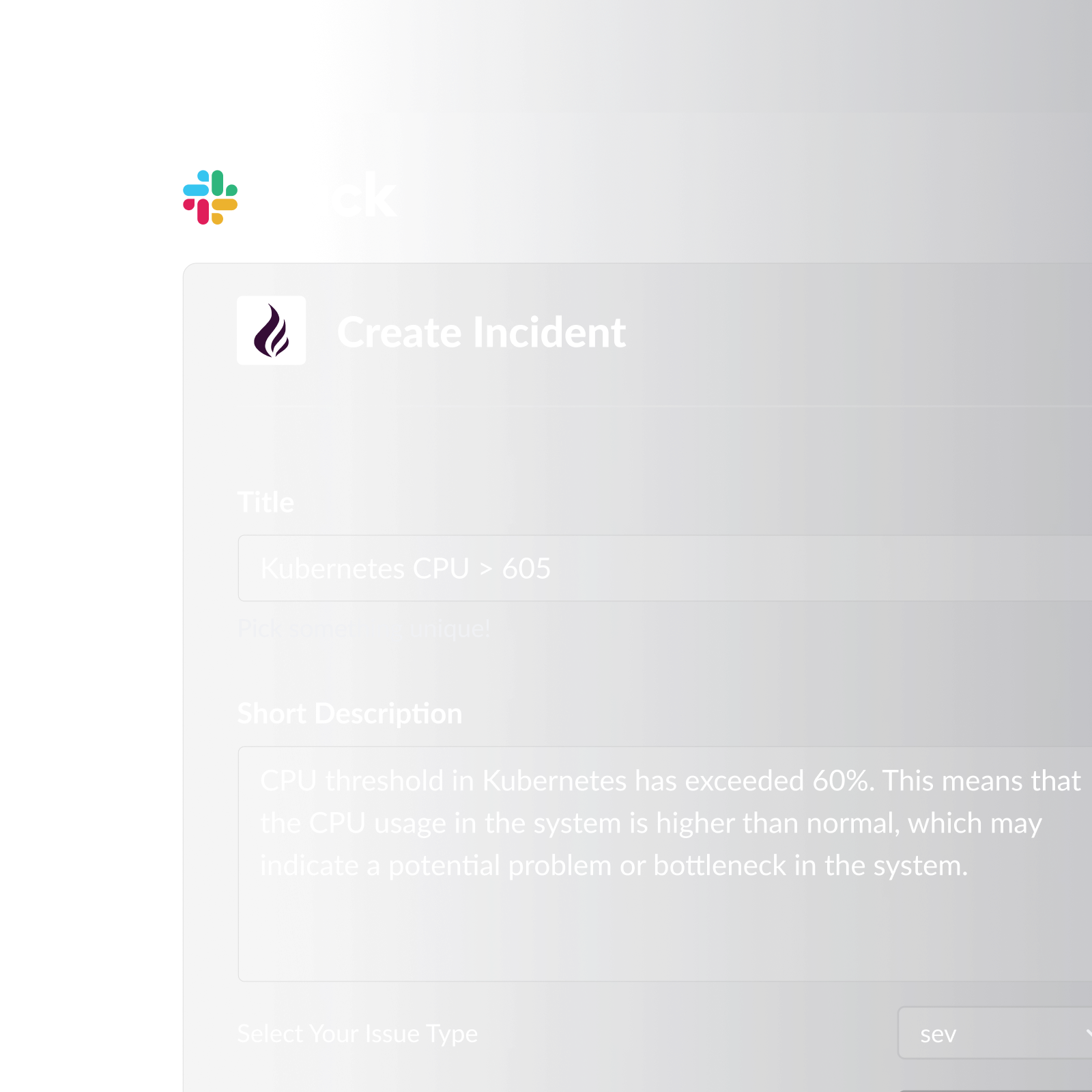
Pagerly is the only PagerDuty alternative built natively for Slack. Rather than adding a Slack integration to a web-based platform, Pagerly was designed from the start to manage on-call scheduling, alert routing, escalation policies, and incident response entirely within Slack.
Key features:
- On-call rotation management entirely within Slack: create, edit, and view schedules without opening a web dashboard
- Slack usergroup sync: @sre-on-call automatically reflects the current on-call engineer at every rotation change
- Channel topic auto-updates showing who is currently on-call
- Alert routing with on-call awareness: alerts routed to the current on-call engineer, not a static recipient list
- Escalation policies with automatic backup paging
- AI-powered custom rotation creation from plain language descriptions
- Multi-user simultaneous on-call for layered primary and secondary coverage
- Task-based round-robin for PR reviews, support ticket triage, and customer issue distribution
- Cover request system: engineers request and approve shift swaps directly in Slack
- Automated shift reminders at 6 hours, 12 hours, and 1 day before each shift
- Handover notifications at every rotation change
- Emoji-triggered Jira ticket or PagerDuty incident creation from any Slack alert message
- Google Calendar integration
- Two-way sync with PagerDuty, OpsGenie, Jira, Datadog, and Jira Service Management Operations
- Per-team pricing (not per-user): adding engineers does not increase cost
- Free trial available
Best for: Engineering and DevOps teams that live in Slack and want a complete replacement for PagerDuty without per-user pricing or web-based workflow requirements.
2. Incident.io
Slack-native incident management platform focused on incident response workflow. Cons: Per-user pricing, on-call scheduling is secondary feature, no Slack usergroup sync, no task-based round-robin, limited Google Calendar integration.
3. OpsGenie (Atlassian)
Alert management and on-call scheduling platform with deep Jira integration. Cons: Slack integration is notification-based only - schedule management requires leaving Slack. No Slack usergroup sync, per-user pricing, heavy Atlassian dependency, no task-based round-robin.
4. Grafana OnCall
Open-source on-call scheduling with native Grafana alerting integration. Cons: Self-hosting requires significant infrastructure management, Slack integration is notification-only, no Slack usergroup sync, no task-based round-robin, no AI-powered rotation creation.
5. Better Stack
Combined uptime monitoring and incident management platform with Slack alert delivery. Cons: On-call scheduling is secondary feature, no Slack usergroup sync, no task-based round-robin, Slack integration is alert delivery only, per-user pricing on higher plans.
6. Rootly
Slack-native incident management platform for larger engineering teams. Cons: Per-user pricing makes Rootly expensive for large teams, no Slack usergroup sync, no task-based round-robin, no cover request system, on-call scheduling is less mature than incident response features.
7. Splunk On-Call (formerly VictorOps)
On-call management for teams with complex Splunk observability stacks. Cons: Slack integration is notification-based only, per-user pricing, heavy Splunk ecosystem dependency, no Slack usergroup sync, no task-based round-robin, complex routing key configuration.
PagerDuty Alternatives Compared
| Tool | Slack-Native | Usergroup Sync | Per-Team Pricing | On-Call Scheduling | Free Trial |
|---|---|---|---|---|---|
| Pagerly | Yes (fully native) | Yes | Yes | Full-featured | Yes |
| Incident.io | Partial | No | No (per-user) | Limited | Yes |
| OpsGenie | No (notifications only) | No | No (per-user) | Full-featured | Yes |
| Grafana OnCall | No (notifications only) | No | Yes (cloud) | Full-featured | Yes (limited) |
| Better Stack | No (notifications only) | No | No (per-user) | Limited | Yes |
| Rootly | Partial | No | No (per-user) | Limited | Yes |
| Splunk On-Call | No (notifications only) | No | No (per-user) | Full-featured | Limited |
Why Pagerly Is the Best PagerDuty Alternative for Slack Teams
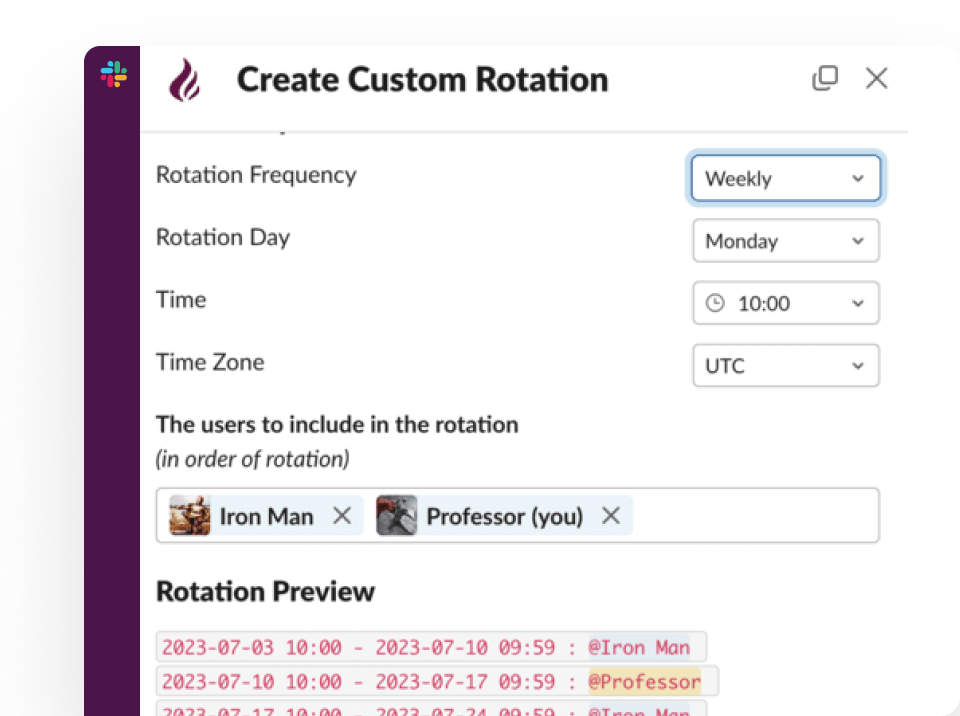
PagerDuty's workflow is designed around its web dashboard. Every meaningful action requires leaving Slack and navigating a complex web interface. Pagerly eliminates that gap entirely.
- vs. PagerDuty: Pagerly manages the entire on-call lifecycle inside Slack, and its per-team pricing means a team of 20 pays the same as a team of 5
- vs. Incident.io: Strong on incident response workflow but per-user pricing, limited scheduling, and no Slack usergroup sync
- vs. OpsGenie: Mature scheduling but notification-only Slack integration. Value is in Atlassian integration, not Slack integration
- vs. Grafana OnCall: Strong for Grafana-ecosystem teams. For non-Grafana users, self-hosting overhead and notification-only Slack integration are significant limitations
- vs. Better Stack: Monitoring platform with scheduling features added. Not a suitable replacement for a dedicated on-call scheduling tool
- vs. Rootly: Good incident response for larger teams but per-user pricing and limited scheduling make it less attractive for cost-conscious Slack-native teams
What to Do Before Switching from PagerDuty
1. Audit what you actually use in PagerDuty. Document which features your team actively relies on before evaluating alternatives. This gives you a clear requirements list.
2. Map your current escalation policies. Document every escalation tier, every rotation, and every integration that feeds into your current setup.
3. Evaluate Slack integration depth, not just presence. Ask specifically: can engineers manage their schedule in Slack? Can shift swaps happen in Slack? Does the usergroup stay current automatically?
4. Trial with a real incident. Ensure that at least one real incident goes through the new tool's workflow before committing to a migration.
Ready to replace PagerDuty with a tool that actually lives in Slack? Pagerly manages your on-call rotations, alert routing, and incident response entirely within Slack, with per-team pricing that does not scale with headcount. Get started free