

SSL Certificate Monitoring: Best Tools and Practices
Best SSL certificate monitoring tools in 2026 and practices that prevent certificate-related outages. Covers expiry tracking, chain validation, on-call routing, and Pagerly.
SSL Certificate Monitoring: Best Tools and Practices
SSL certificate monitoring is the continuous process of checking whether your TLS certificates are valid, correctly configured, and not approaching their expiry date. When SSL monitoring is absent or inadequate, the first signal you get that something is wrong is a browser security warning blocking your users from accessing your site. By then, the damage has already started.
A single expired certificate causes browser warnings across Chrome, Firefox, and Safari. Users cannot proceed without ignoring an alarming "Your connection is not private" message. APIs and webhooks that rely on secure connections fail silently. And in regulated industries, an expired certificate during an audit can trigger compliance violations under PCI DSS, HIPAA, or SOC 2.
This guide covers what SSL monitoring involves, what to look for in a monitoring tool, the best SSL certificate monitoring tools in 2026, and the practices that prevent certificate-related outages from ever reaching your users.
What SSL Certificate Monitoring Covers
Comprehensive SSL and TLS certificate monitoring includes:
- Expiry date tracking: Alerting at configurable thresholds (30 days, 14 days, 7 days) before expiry
- Certificate chain validation: Checking the full chain from leaf certificate through intermediate certificates to the root CA
- Certificate authority verification: Confirming the certificate is issued by a trusted CA and has not been revoked
- Domain name validation: Verifying the certificate covers the correct domain names including all subdomains and wildcards
- Protocol and cipher suite checks: Ensuring use of current TLS versions, not deprecated protocols like TLS 1.0 or 1.1
- SHA fingerprint verification: Confirming the certificate presented matches the expected certificate
Why SSL Certificate Monitoring Is More Critical in 2026
Certificate validity periods have been shrinking. Before 2015, certificates could be valid for up to five years. Today the maximum is 398 days. The CA/Browser Forum has proposed reducing this to 47 days by 2029.
Shorter validity periods mean more frequent renewals and more opportunities for renewal to fail without detection. Automated renewal with tools like Certbot does not eliminate the need for monitoring - renewal failures still happen due to DNS validation errors, server misconfigurations, and permission issues. Without monitoring, a failed renewal is only discovered when users start seeing security warnings.
What to Look For in an SSL Monitoring Tool
- Multi-threshold alerting: Alerts at 30, 14, and 7 days before expiry - not just the day before
- Certificate chain validation: Must check the full chain, not just the leaf certificate
- Slack or Teams integration: Expiry alerts delivered to Slack and routed to the on-call engineer
- On-call routing: Alerts should reach the engineer who is actually on-call, not a fixed address or shared channel
- Multi-domain support: Monitor every domain and subdomain from a single dashboard
- Real-time invalid certificate detection: Instant alerts when a certificate becomes invalid, not just scheduled scans
- Incident management integration: Automatically create a Jira ticket or PagerDuty incident when an SSL issue is detected
Best SSL Certificate Monitoring Tools for 2026
1. Pagerly: Best SSL Monitoring with Slack-Native On-Call Routing
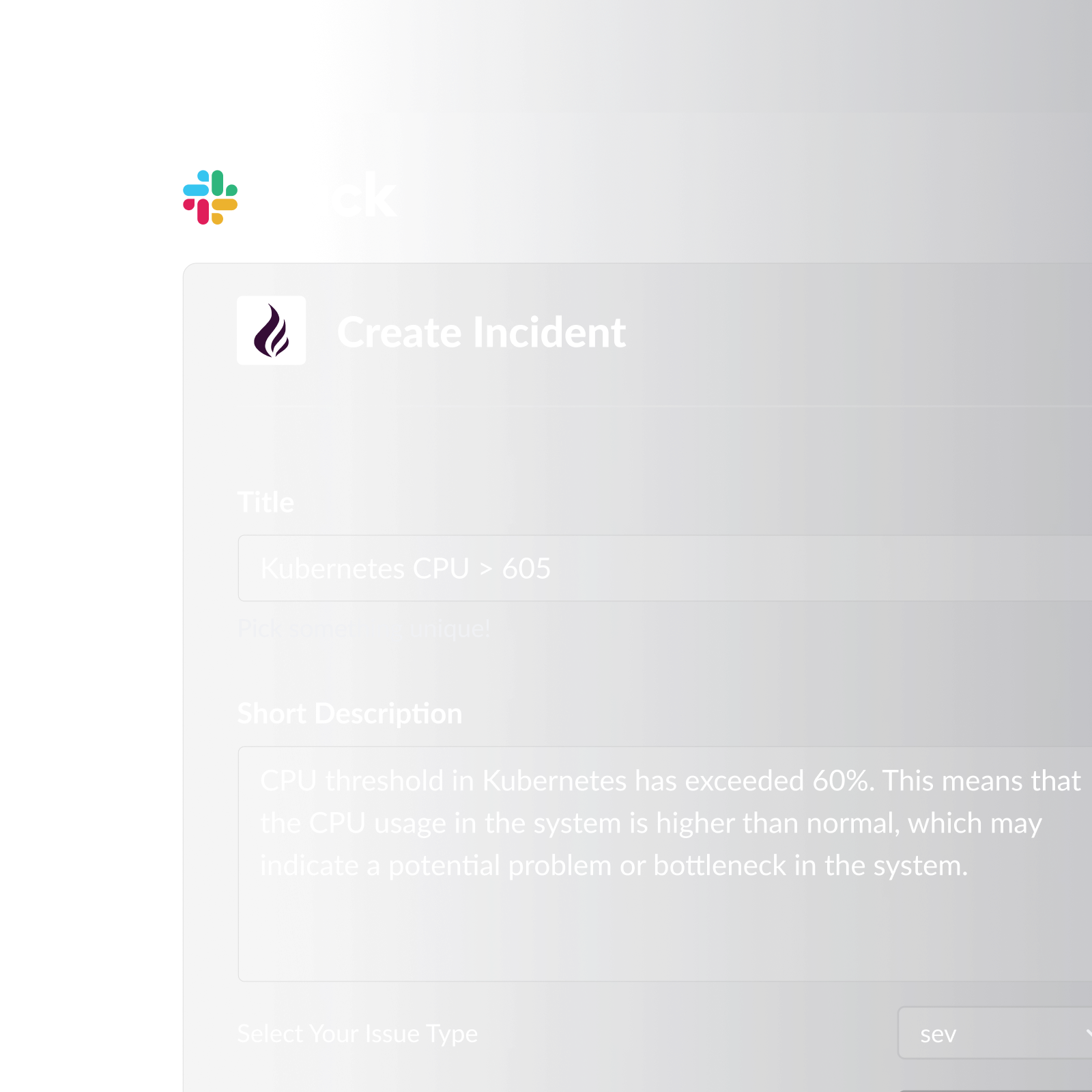
Pagerly is the only SSL certificate monitoring tool that connects detection directly to on-call routing and incident management inside Slack. When a certificate approaches expiry or becomes invalid, Pagerly routes the alert to the current on-call engineer automatically, based on your rotation schedule. If the alert is not acknowledged, escalation policies engage automatically.
Key features:
- SSL and TLS certificate monitoring with configurable alert thresholds (30, 14, 7, 1 day before expiry)
- Real-time detection when a certificate becomes invalid, with immediate Slack alerts
- On-call routing so alerts always reach the right engineer based on the current rotation
- Slack usergroup sync: @sre-on-call always reflects the current on-call engineer
- Automatic escalation if the primary responder does not acknowledge within your defined window
- Emoji-triggered Jira ticket or PagerDuty incident creation directly from the SSL alert in Slack
- Two-way sync with PagerDuty, OpsGenie, Jira, and Datadog
- Certificate chain validation, not just leaf certificate expiry checks
- Per-team pricing (not per-user) with free trial available
Best for: Engineering and DevOps teams using Slack who want SSL monitoring integrated into their on-call rotation and incident response workflow.
2. UptimeRobot
The most widely used free monitoring service, offering SSL monitoring alongside uptime checks with a generous free plan. Cons: Slack requires paid plan, no on-call routing, no escalation policies, limited chain validation.
3. Datadog
SSL monitoring as part of its broader synthetic monitoring and APM platform. Cons: Very expensive, no on-call routing built in, still requires PagerDuty or OpsGenie for escalation, overkill for teams that need SSL monitoring without a full APM platform.
4. TrackSSL
Purpose-built SSL certificate monitoring with clean interface. Cons: Email-only alerts (no Slack), no on-call routing or escalation, very few domains on free tier, no incident management workflow.
5. Better Stack
SSL monitoring as part of combined uptime monitoring and logging platform. Cons: No on-call routing, no escalation policies, limited chain validation, SSL monitoring is secondary to monitoring platform features.
6. Oh Dear
Website monitoring with comprehensive SSL and TLS certificate monitoring and detailed certificate health reporting. Cons: No on-call routing, no escalation policies or incident management integration, per-site pricing adds up for many domains.
SSL Monitoring Best Practices
1. Monitor the full certificate chain, not just the leaf. A valid leaf certificate with an expired intermediate causes the same browser errors as an expired leaf certificate, but is much harder to detect manually.
2. Set alerts at 30, 14, and 7 days before expiry. Multi-threshold alerts give you three separate opportunities to act before expiry.
3. Route alerts to your on-call engineer, not a shared inbox. A shared email alias or Slack channel for certificate alerts is not a reliable destination.
4. Monitor all subdomains, not just your primary domain. Each subdomain handling HTTPS traffic needs its own monitoring entry.
5. Keep monitoring active even when using automated renewal. Renewal can fail. Monitoring is the only reliable way to detect a failed renewal before it causes a user-facing incident.
6. Include certificate expiry in your incident runbooks. Your on-call engineer should have a clear documented renewal process, not be figuring it out under pressure.
Why Pagerly Is the Best SSL Certificate Monitoring Tool
Every other tool on this list detects certificate issues and sends a notification. Pagerly detects the issue, routes it to the right person, and manages the response end to end inside Slack.
- vs. UptimeRobot: UptimeRobot sends an email on the free plan. Pagerly routes Slack alerts to your on-call engineer automatically, with escalation if unacknowledged
- vs. Datadog: Enterprise APM that happens to monitor certificates. Pagerly delivers the right alert to the right person at a fraction of the cost
- vs. TrackSSL: Email-only with no escalation. Pagerly connects detection to your full incident response process
- vs. Better Stack: Monitors and alerts but does not manage who gets paged or coordinate the response. Pagerly does both
- vs. Oh Dear: Strong SSL reporting but no on-call routing or incident management. Pagerly integrates SSL monitoring into your complete incident response workflow
SSL certificate expiry is entirely preventable. The right monitoring tool makes it a routine operational task rather than a recurring crisis.
Ready to stop worrying about SSL certificates? Pagerly monitors your certificates and alerts your on-call team in Slack before expiry ever becomes an outage. Get started free