

On-Call Rotation: Scheduling Best Practices Guide
On-call rotation scheduling best practices: rotation types, shift design, escalation, alert noise, handover, load tracking, and metrics for high-performing engineering teams.
On-Call Rotation: Scheduling Best Practices Guide
An on-call rotation is one of the most important operational structures in any engineering organization. Done well, it ensures the right engineer is always reachable when a system fails, coverage is equitable, and on-call duties are sustainable. Done poorly, it destroys morale, accelerates attrition, and slows incident response at exactly the moments when speed matters most.
This guide covers everything you need to build, run, and continuously improve an on-call rotation: what it is, how it works, types of rotations, and the best practices that separate high-performing teams from those where on-call is dreaded.
What Is an On-Call Rotation?
An on-call rotation is a structured schedule that designates which engineer is responsible for responding to incidents and alerts during any given time window. In a rotation, this responsibility cycles through a defined group of engineers in a predictable pattern. The defining feature of a healthy on-call rotation is that the responsibility moves, so no single person carries it indefinitely.
On-Call Rotation vs. On-Call Schedule
| Term | Definition | Example |
|---|---|---|
| On-Call Rotation | The pattern by which responsibility cycles through team members | Weekly round-robin: A, B, C, D, repeat |
| On-Call Schedule | The specific calendar of who is on-call on which dates | Alice: Jan 6-12, Bob: Jan 13-19 |
| Escalation Policy | Rules for what happens if the primary does not respond | Page primary for 5 min, then secondary, then team lead |
Types of On-Call Rotations
Weekly Round-Robin
The simplest and most common rotation. Each engineer covers a full week, cycling through the team in order. Best for: Small teams (3 to 8 engineers) with a single primary service and moderate alert volume.
Follow-the-Sun Rotation
Coverage divided by geography, with each regional team covering the hours that fall within their business day. Best for: Globally distributed teams with at least two engineers per time zone region.
Bi-Weekly and Monthly Rotations
Longer shifts giving each engineer more time to develop context before the shift ends. Best for: Teams where context continuity matters and incident volume is low enough that long windows are sustainable.
Layered (Primary and Secondary) Rotation
Two simultaneous rotations: primary responds first, secondary engages if primary does not acknowledge. Best for: Teams with juniors in the primary rotation needing experienced backup.
Task-Based Round-Robin
On-call responsibility applied to a specific type of task (PR review, support ticket routing, QA testing) rather than general incident response. Best for: Teams distributing operational work equitably without permanent individual accountability.
On-Call Rotation Best Practices
1. Define shift length based on alert volume, not tradition. Weekly rotations are arbitrary. Let your actual alert volume guide shift length - 30 pages/week is a significant burden; 3 pages/week makes a two-week rotation manageable.
2. Always have a secondary on-call. A rotation with no backup creates a single point of failure. This is not optional for production systems with real user impact.
3. Respect different time zones across your team. In globally distributed teams, a flat rotation means some engineers are always paged at 3 AM. Follow-the-sun rotations or adjusted shift windows are essential.
4. Set automated reminders before every shift. Engineers should never be surprised. Reminders at 24 hours, 12 hours, and 6 hours before the shift begin give engineers time to prepare.
5. Build a structured handover process. At the end of each on-call shift, the outgoing engineer should brief the incoming on any active incidents, degraded systems, or recent changes. Automated handover notifications are more reliable than relying on individuals to remember.
6. Make shift swaps easy and self-service. A self-service swap process where engineers can request and approve swaps in Slack, with automatic schedule updates, prevents coverage gaps without manager overhead.
7. Track pages per engineer, not just shifts. Equitable shift distribution does not guarantee equitable load. Some shifts are quiet; others are brutal. Track pages per engineer per week to identify and correct imbalances.
8. Reduce alert noise before increasing team size. Audit your alerts before expanding the rotation. Most teams have significant percentages of false positives, duplicates, or low-priority issues that do not require immediate response.
9. Run post-incident reviews after every major incident. Was the right person paged? Did escalation work? Were runbooks clear? Ask systematically after every SEV1 and SEV2 incident.
10. Measure MTTA and MTTR per rotation configuration. If metrics are not improving over time, the rotation structure needs adjustment, not just more engineers.
Common On-Call Rotation Mistakes
Putting juniors on-call without a safety net. Junior engineers can participate in on-call, but not as solo primary responders for critical services without an experienced secondary.
Using a shared inbox as an alert destination. An alert that goes to everyone goes effectively to no one. Alerts need to reach a specific, accountable person.
Confusing coverage with rotation. Scheduling 24/7 coverage is different from distributing that coverage fairly. Putting the same three engineers on every weekend is coverage without a rotation.
Never adjusting the rotation. Teams change, services change, incident patterns change. Review your rotation structure at least quarterly.
How Pagerly Supports On-Call Rotations
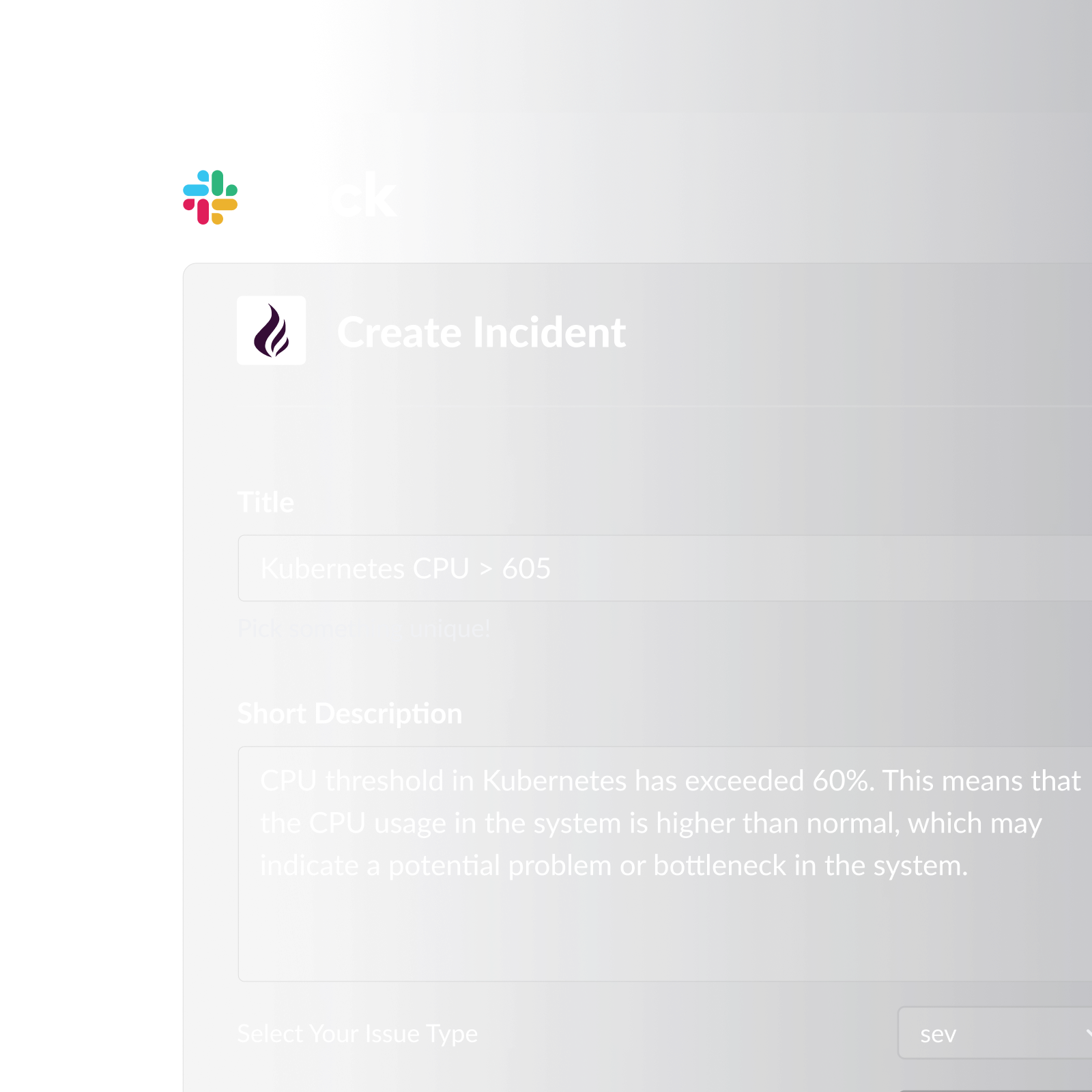
Pagerly manages the entire on-call rotation lifecycle inside Slack. Rather than building rotations in a separate dashboard, Pagerly keeps everything synchronized automatically.
What Pagerly provides for on-call rotations:
- Time-based round-robin rotations (daily, weekly, bi-weekly, monthly) with full customization
- AI-powered custom rotation creation from plain language descriptions
- Multi-user simultaneous on-call for layered primary and secondary coverage
- Task-based round-robin for PR reviews, support ticket assignment, and QA distribution
- Slack usergroup sync: @sre-on-call automatically reflects who is on-call right now
- Channel topic auto-updates in any designated Slack channel
- Automated shift reminders at 6 hours, 12 hours, and 1 day before a shift
- Handover notifications at every rotation change
- Self-service cover request system for shift swaps in Slack
- Google Calendar integration
- Two-way sync with PagerDuty, OpsGenie, Jira, and Datadog
- Escalation policies that automatically page secondary responders if primary does not acknowledge
- Per-team pricing so adding more engineers does not increase costs
Choosing the Right Rotation Structure
| Team Size | Recommended Rotation | Key Consideration |
|---|---|---|
| 2 to 5 engineers | Weekly round-robin with secondary | Keep rotations short enough that no one is on-call more than once every two weeks |
| 5 to 15 engineers | Weekly round-robin with layered primary/secondary | Add service-specific rotations if services have clearly separate ownership |
| 15 to 50 engineers | Service-specific rotations with team-level escalation | Implement follow-the-sun if team is distributed across multiple time zones |
| 50+ engineers | Full follow-the-sun with layered escalation and incident commander role | Dedicated incident command function becomes necessary at this scale |
Ready to build an on-call rotation your team will actually respect? Pagerly sets up every rotation type in Slack, with automated shift reminders, handover notifications, and per-team pricing. Get started free